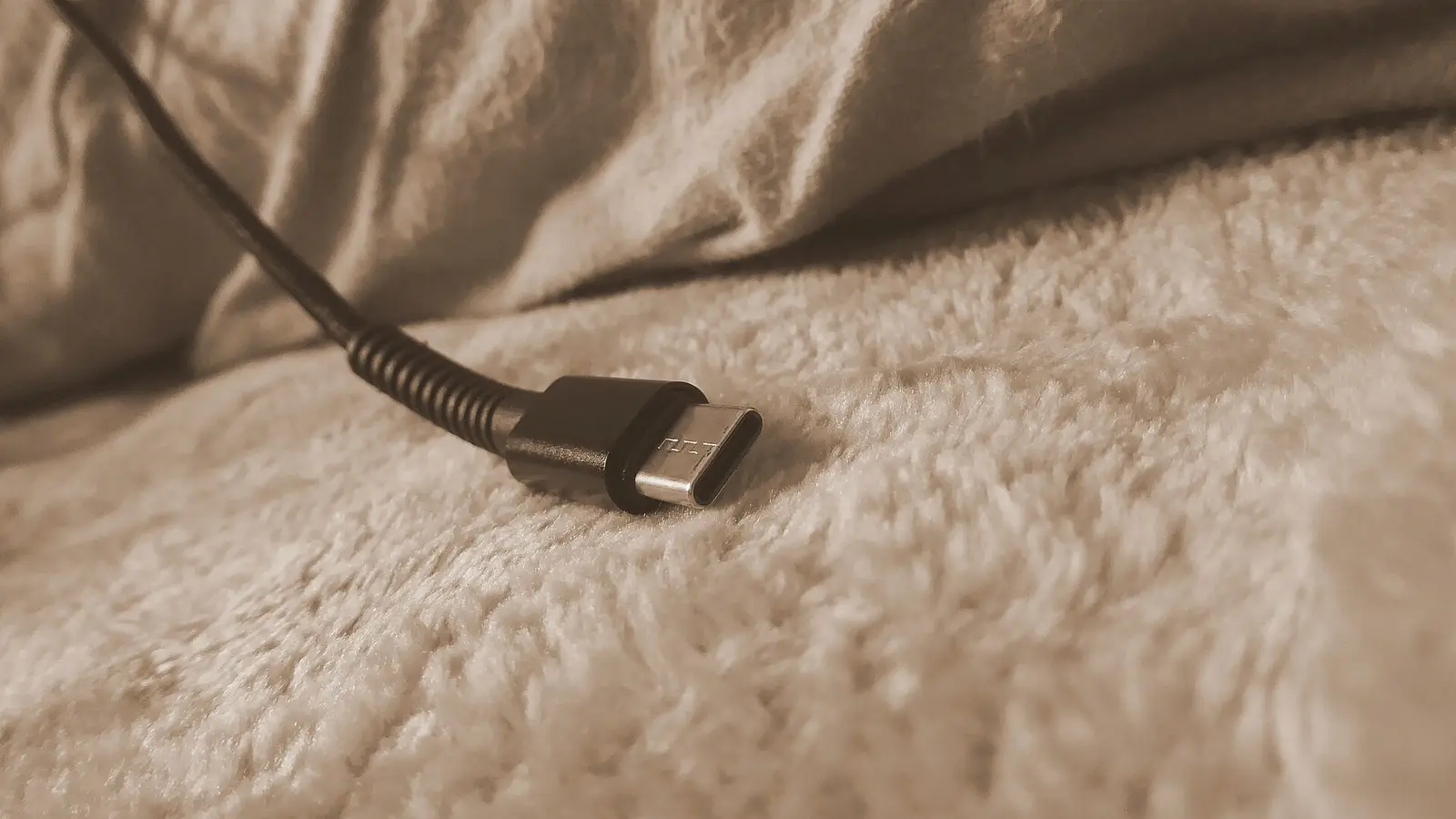
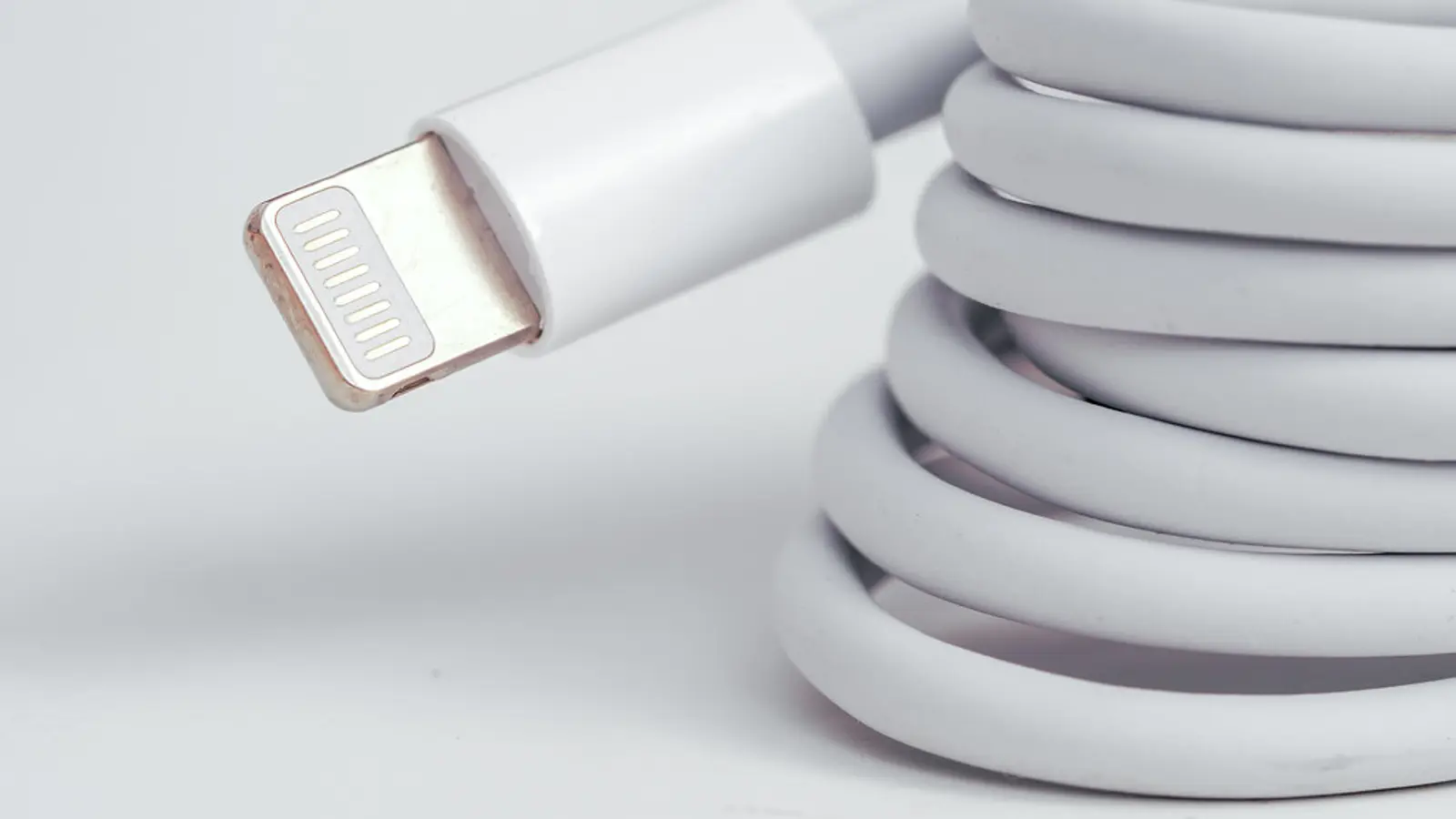
Lightning vs USB-C in 2026 is straightforward: USB-C is the future-facing connector for new phones, tablets and laptops, while Lightning is still the right cable for Apple devices that physically have a Lightning port. Stock USB-C to USB-C as the core cable, keep USB-C to Lightning and USB-A to Lightning for legacy Apple users, and specify cable capability instead of assuming every USB-C cable is fast.
Cable choices by device in 2026
For a buyer, the practical question is not which connector wins in theory. It is which cable avoids returns, works with the devices your customer owns, and matches the power and data job printed on the package.
- iPhone 15 and later: choose USB-C to USB-C for normal charging and syncing. Apple says iPhone 15 and later use a USB-C connector for charging, data syncing, audio, video and connecting to devices such as Mac, iPad, AirPods Pro and external storage.
- iPhone 15 Pro, iPhone 16 Pro, iPhone 17 Pro and later Pro models: choose a USB-C cable that states USB 3 support when the user needs higher-speed file transfer. Apple lists these Pro models as supporting USB 3.2 Gen 2 speeds up to 10 Gbit/s with an optional USB 3 cable.
- iPhone 15 standard model: do not promise faster data just because the plug is USB-C. Apple lists iPhone 15 with USB 2 up to 480 Mb/s, even though the connector is USB-C.
- iPhone with a Lightning port, including iPhone 14: choose USB-C to Lightning for use with a USB-C power adapter. Apple says iPhone 14 can fast charge to around 50% in about 30 minutes with a 20W or higher adapter paired with a USB-C charging cable.
- Older USB-A wall adapters, cars, desks and hotel ports: keep USB-A to Lightning and USB-A to USB-C as support cables where the host port is USB-A. Apple notes existing USB-A to Lightning cables and power adapters remain compatible with iPhone 14 models, and Google says Pixel phones can charge with USB-A to USB-C, although USB-A to USB-C is slower than using a USB-C power adapter with a USB-C cable.
- Samsung Galaxy and Google Pixel phones: stock USB-C to USB-C as the main cable. Samsung says USB Type-C cables are included with newer Galaxy phones and tablets, and Google says Pixel phones can charge with USB-C to USB-C or USB-A to USB-C.
- Laptops: stock USB-C to USB-C, but match the cable marking to the power need. USB-IF says compliant USB-C to USB-C cable categories are marked with 60W or 240W power capability, and USB Power Delivery Revision 3.1 allows up to 240W over a full-featured USB Type-C cable and connector.
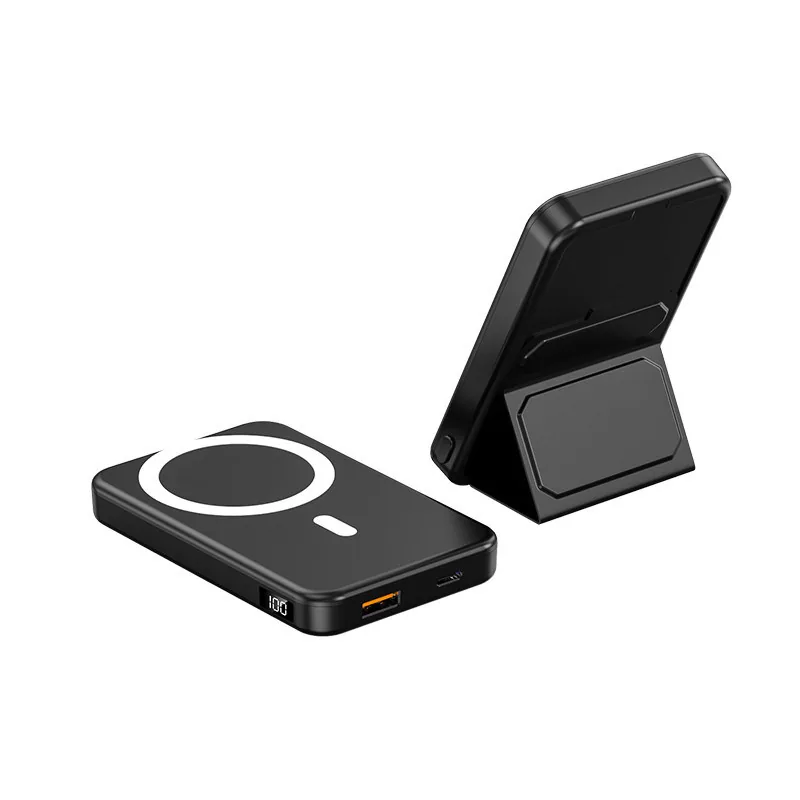
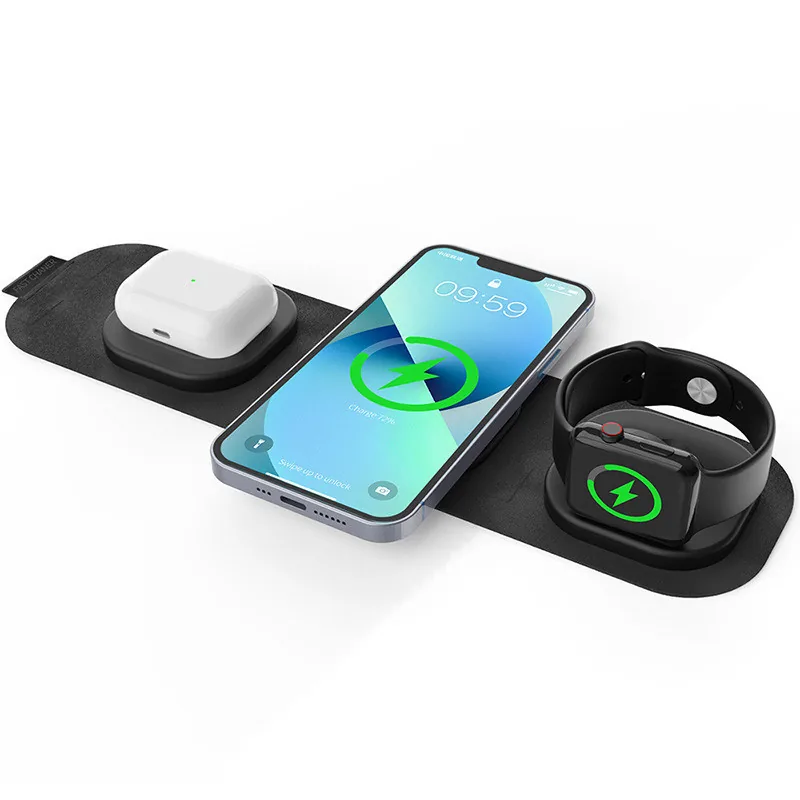
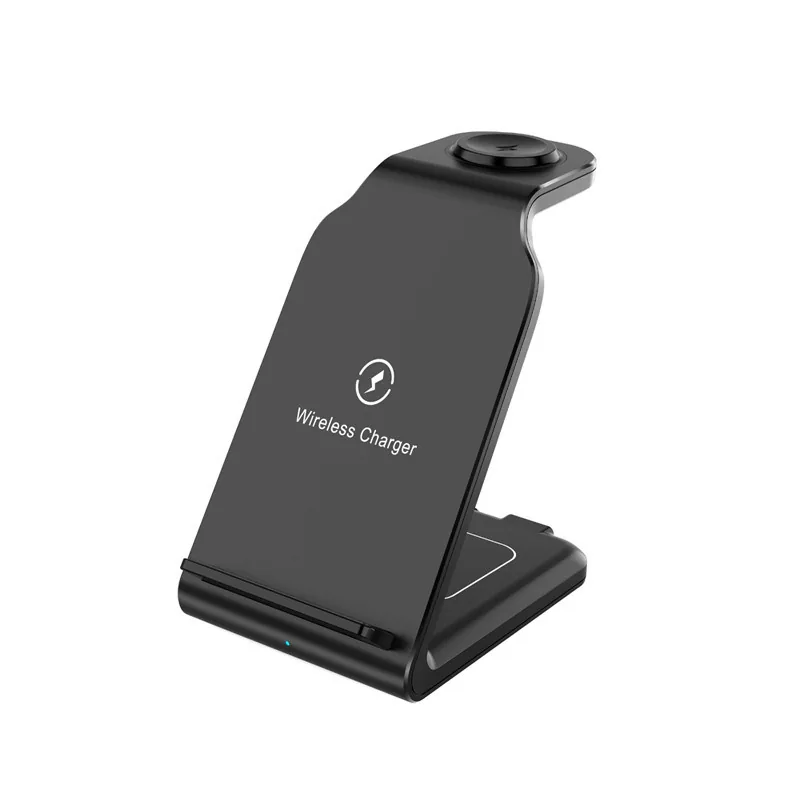
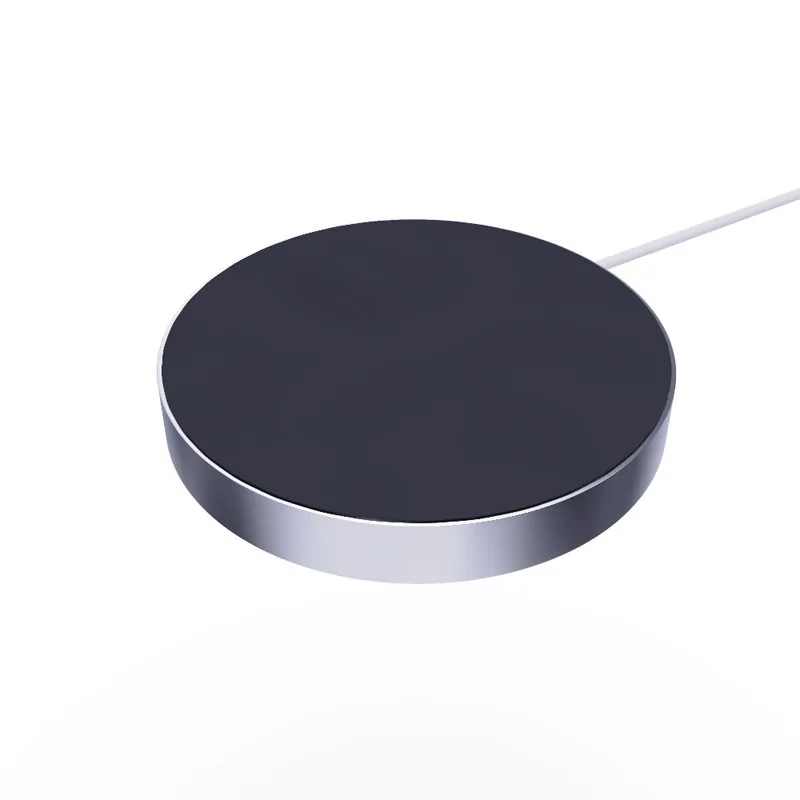
- Power banks, wireless charging power banks and travel kits: use USB-C to USB-C when both sides have USB-C; add USB-A to USB-C only for older power sources. If your product mix includes cable accessories with chargers or power banks, review the cable category alongside the charging product, not after packaging artwork is finished.
For custom logo or packaging programs, start with the target device list before choosing the connector. You can review cable formats under fast charging USB cables, but the specification should come from the use case, not from the connector name alone.
Speed, power and compatibility compared
USB-C is a connector shape. It is not automatically USB 3.2, USB4, video output or USB Power Delivery. USB-IF says performance varies and suppliers should state which USB protocols a product supports; it also says a USB 2.0 Type-C cable supports up to 480 Mbps data and may support USB Power Delivery, but does not include USB 3.2, USB4 or Alt Mode capability.
The most important buying rule is this: USB-C describes the plug, not the speed, power or video capability.
| Area | Lightning | USB-C |
|---|---|---|
| Current role | Legacy Apple devices | New-device core |
| iPhone example | iPhone 14 | iPhone 15 and later |
| Published iPhone data | Not stated in iPhone 14 specs | 480 Mb/s to 10 Gbit/s |
| USB ecosystem maximum | Not USB4 | USB4 up to 80 Gbps |
| Power labels | Device-cable dependent | 60W or 240W marking |
| Fast-charge example | 20W+ adapter setup | 20W+ adapter setup |
| Video on iPhone | Not listed for iPhone 14 | DisplayPort on iPhone 15 |
| Buyer use | Legacy support | Main stock cable |
The speed difference is often misunderstood. USB-C can be much faster than Lightning in the wider USB ecosystem because USB4 uses USB Type-C and supports up to 80 Gbps operation over certified 80 Gbps cables. But a low-spec USB-C cable can still be a USB 2.0 Type-C cable, limited to up to 480 Mbps.
Charging is similar. USB Power Delivery Revision 3.1 allows up to 240W over a full-featured USB Type-C cable and connector; before that update, USB-IF says USB PD was limited to 100W over 5A USB-C cables. That does not mean every phone, charger or cable delivers 240W. It means the cable and connected products must all support the needed power level.
Compatibility is where USB-C is strongest for future stock. The European Commission says USB-C is the common port for listed device categories, allowing consumers to charge devices with a USB-C charger regardless of brand. Its common charging requirements apply to handheld mobile phones, tablets, digital cameras, headphones, headsets, portable speakers, handheld game consoles, e-readers, earbuds, keyboards, mice and portable navigation systems since 28 December 2024, and to laptops since 28 April 2026.
What the iPhone move to USB-C changed
Apple moved the iPhone line from Lightning to USB-C starting with iPhone 15. In practice, that changed three things for buyers: the cable in many new-device kits became USB-C to USB-C, the same cable can serve more non-Apple devices, and cable capability became more important because USB-C has several possible performance levels.
The move did not make every iPhone equally fast. Apple lists iPhone 15 with a USB-C connector that supports charging, DisplayPort and USB 2 up to 480 Mb/s. Apple separately lists iPhone 15 Pro, iPhone 16 Pro, iPhone 17 Pro and later Pro models as supporting USB 3.2 Gen 2 speeds up to 10 Gbit/s with an optional USB 3 cable.
For charging, the user experience remains familiar. Apple says iPhone 15 fast charges to around 50% in about 30 minutes with a 20W or higher adapter paired with a USB-C charging cable. Apple gives the same around 50% in about 30 minutes fast-charge statement for iPhone 14 with a 20W or higher adapter paired with a USB-C charging cable, where the phone side is Lightning.
USB-C also added useful small-device power sharing on newer iPhones. Apple says iPhone 15 and later can output up to 4.5W to charge small USB-PD devices. That is useful for small accessories, but it should not be described as a laptop-style power bank function.
For retail and promotional buyers, the conclusion is balanced: USB-C to USB-C should be the default for new assortments, but Lightning should not disappear from every catalogue. Users with Lightning-port iPhones, older Apple accessories and older charging points still need matching cables.
USB-C cable labels and capability checks
A USB-C cable should be bought by its stated capability, not by its connector photo. Ask your supplier to state power rating, data protocol, video support and connector combination in writing.
- Power marking: for USB-C to USB-C, check whether the cable category is marked 60W or 240W. USB-IF says compliant USB-C to USB-C cable categories require a 60W or 240W power capability marking.
- Data marking: if the cable is not a High-Speed USB 2.0 USB-C to USB-C cable, USB-IF says compliant cables also need the appropriate data-rate marking.
- USB 2.0 Type-C: acceptable for charging and basic syncing where up to 480 Mbps is enough. Do not sell it as USB 3.2, USB4 or video-capable.
- USB 3 cable: needed when an iPhone Pro user wants the 10 Gbit/s data rate Apple lists for supported Pro models.
- USB4 cable: relevant for high-end data and display workflows. USB4 uses USB Type-C, can share data and display protocols over the bus, and supports backward compatibility with earlier USB versions.
- Fast charging: match phone, charger and cable. Google recommends USB-C fast chargers, PPS adapters rated 30W or more, and other USB Power Delivery adapters rated 15W or more, while also noting charging speed varies by charger and cable.
- USB-A to USB-C: keep it for older chargers and ports, but do not position it as the faster path for Pixel users because Google warns USB-A to USB-C charging is slower than USB-C power adapter plus USB-C cable.
- Multi-tip cables: treat them as convenience products first. Confirm whether each tip supports charge only or charge plus data before printing claims.
A common mistake is confusing USB-C to Lightning with USB-C to USB-C. USB-C to Lightning has a USB-C plug on the charger side and a Lightning plug on the device side. USB-C to USB-C has the same reversible USB-C plug on both ends and is the main format for newer iPhone, Galaxy, Pixel, iPad and laptop use cases.
Stocking and custom sourcing checklist
For brands, importers, distributors and promotional-gift buyers, a clean cable range normally has a core, a support layer and a legacy layer. The exact mix depends on your market, but the decision tree should be simple.
- If the target device is a newer phone, tablet, power bank or laptop with USB-C on both sides, choose USB-C to USB-C.
- If the target user has an iPhone with a Lightning port and a USB-C charger, choose USB-C to Lightning.
- If the target location still has USB-A wall chargers, car ports, computer ports or desk hubs, choose USB-A to USB-C or USB-A to Lightning according to the device.
- If the product is a travel giveaway and convenience matters more than data, consider a multi-tip cable, but make charge-only limits clear.
- If the product must move photos, video or work files, avoid charge-only cables and specify the data protocol.
- If the product may be used with laptops, require the correct USB-C power marking and do not rely on a phone-cable specification.
- If the product is bundled with a charger, power bank or wireless charging device, approve the cable and charging product together.
For OEM and ODM projects, define the requirement before sampling. Shenzhen Sunning Tension Industrial Co., Ltd. makes USB cables, wireless chargers and wireless charging power banks to order for brands, importers, distributors and promotional-gift buyers, with custom logos and packaging; if you are preparing a private-label program, the OEM and ODM path is the right planning stage.
Use this checklist for a custom cable brief:
- Target device list: iPhone model range, Android phones, tablets, laptops, power banks and in-car use.
- Connector set: USB-C to USB-C, USB-C to Lightning, USB-A to USB-C, USB-A to Lightning or multi-tip.
- Power requirement: state whether the USB-C to USB-C cable needs 60W or 240W marking.
- Data requirement: charge only, USB 2.0, USB 3.2, USB4 or stated customer workflow.
- Video requirement: confirm whether DisplayPort or other display use is needed.
- Cable length: choose by use case, packaging size and desk or travel scenario.
- Housing and jacket material: define hand feel, durability target and branding surface.
- Bend test target: set your own test requirement in the buying specification.
- Logo and packaging: confirm print position, color control, barcode and language needs before mass packaging artwork.
- Compliance documents: list the documents required by your selling market and retail channel.
- Sample approval: test with the real phones, chargers, laptops, power banks and ports named in your target list.
When the specification is ready, a buyer can ask for a quotation or sample through the contact page.
Questions and answers
Is USB-C actually faster than Lightning, or is it just a different plug?
USB-C is a connector, so it is not automatically faster. It can support much faster USB standards, including USB4 up to 80 Gbps over certified 80 Gbps cables, but a USB 2.0 Type-C cable is limited to up to 480 Mbps. Always compare the device and cable protocol, not only the plug shape.
Why does my iPhone 15 have USB-C but still transfer at USB 2 speed?
Apple lists iPhone 15 with a USB-C connector that supports USB 2 up to 480 Mb/s. The Pro models Apple names separately can support USB 3.2 Gen 2 speeds up to 10 Gbit/s with an optional USB 3 cable, so both the iPhone model and the cable matter.
Do I need a special USB-C cable for 10 Gbit/s data, video output or fast charging?
Yes, if you want those specific functions. For 10 Gbit/s on supported iPhone Pro models, Apple says an optional USB 3 cable is needed. For higher USB-C power, check the 60W or 240W cable marking; for video, confirm the cable and device support the required display mode.
Can the same USB-C cable charge iPhone, Samsung Galaxy, Google Pixel, iPad and laptops?
A USB-C to USB-C cable can physically serve many newer USB-C devices, but capability still matters. Phones may charge on ordinary USB-C cables, while laptops may need a cable with the right power marking, and high-speed data or video requires the correct protocol support.
Should retailers still stock USB-C to Lightning cables for older iPhones?
Yes, as a legacy support line. Apple lists iPhone 14 with a Lightning connector and says it fast charges with a 20W or higher adapter paired with a USB-C charging cable. USB-C to USB-C should be the core new-device cable, but Lightning cables still reduce friction for users with Lightning-port devices.
Did the EU common charger rule force the iPhone move from Lightning to USB-C?
The European Commission says USB-C is the common port for listed product categories and that the rules apply to handheld mobile phones and several other device types since 28 December 2024, with laptops included since 28 April 2026. Apple’s own support pages state that iPhone 15 and later have USB-C; for buying decisions, the practical result is that USB-C is now the main connector to stock for new phones.
Sources
- USB Implementers Forum: USB Type-C® and USB 2.0 Type-C™ Cable and Connector Language Usage Guidelines
- USB Implementers Forum: Cables and Connectors
- USB Implementers Forum: USB Charger (USB Power Delivery)
- USB Implementers Forum: USB4®
- Apple: Charge and connect with the USB-C connector on your iPhone
- Apple: iPhone 15 - Tech Specs
- Apple: iPhone 14 - Tech Specs
- European Commission: The EU common charger
- Samsung: Use a USB Type-C cable or adapter with a phone or tablet
- Google: Charge your Pixel phone
Written by the engineering team at Shenzhen Sunning Tension Industrial Co., Ltd., an OEM and ODM factory in Bao’an, Shenzhen making consumer electronics and supplying custom-branded gifts. Ask a question about your own specification →