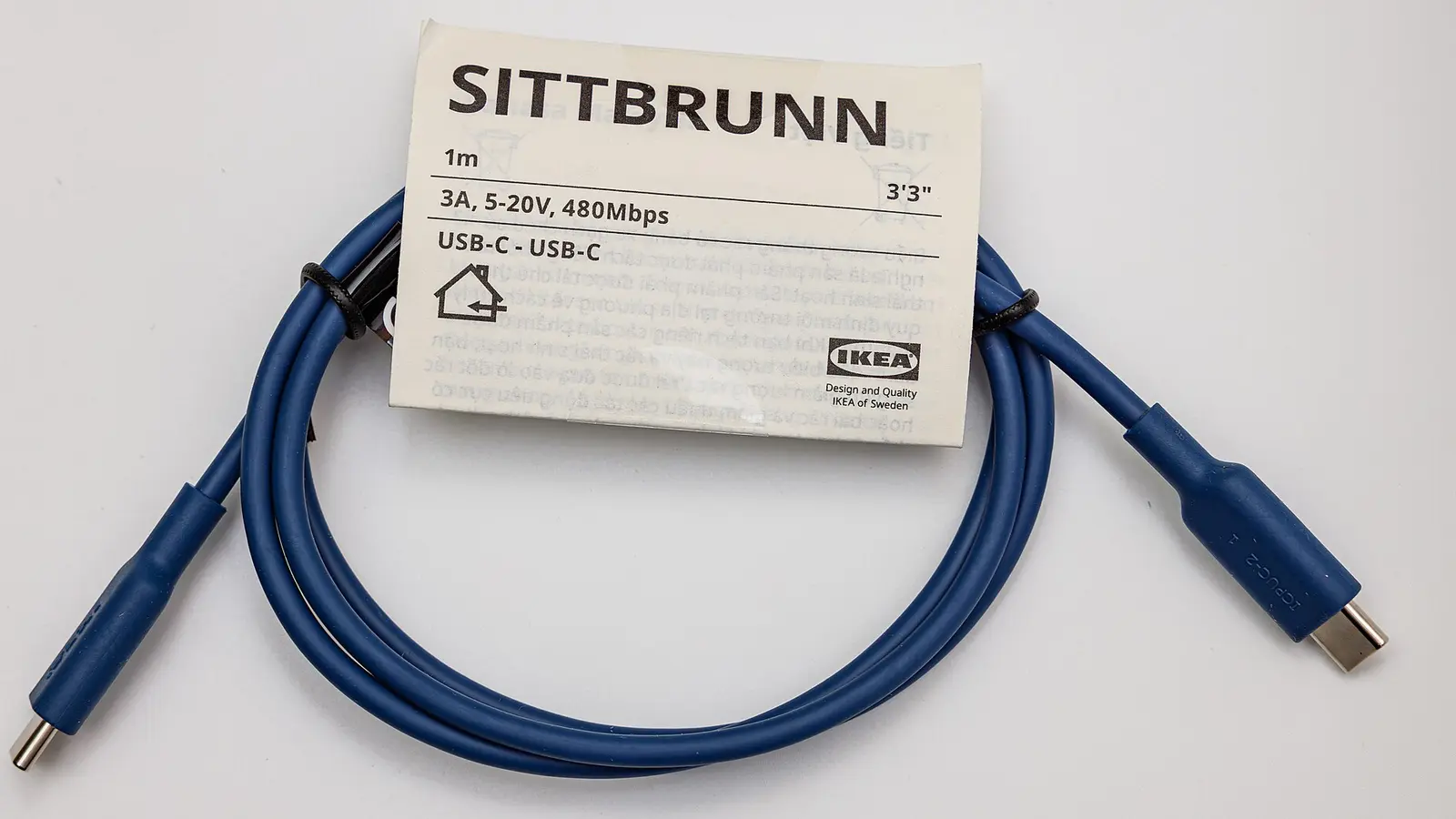
USB-IF certified cables are cable assemblies that have passed the relevant USB-IF Compliance Program and are allowed to use the matching certified USB logo when the listing and logo rights are in order. For a buyer, certification is useful evidence of compatibility and quality for a stated cable type, power rating and data capability, but it does not make a phone, charger, laptop or power bank charge faster than those connected products support.
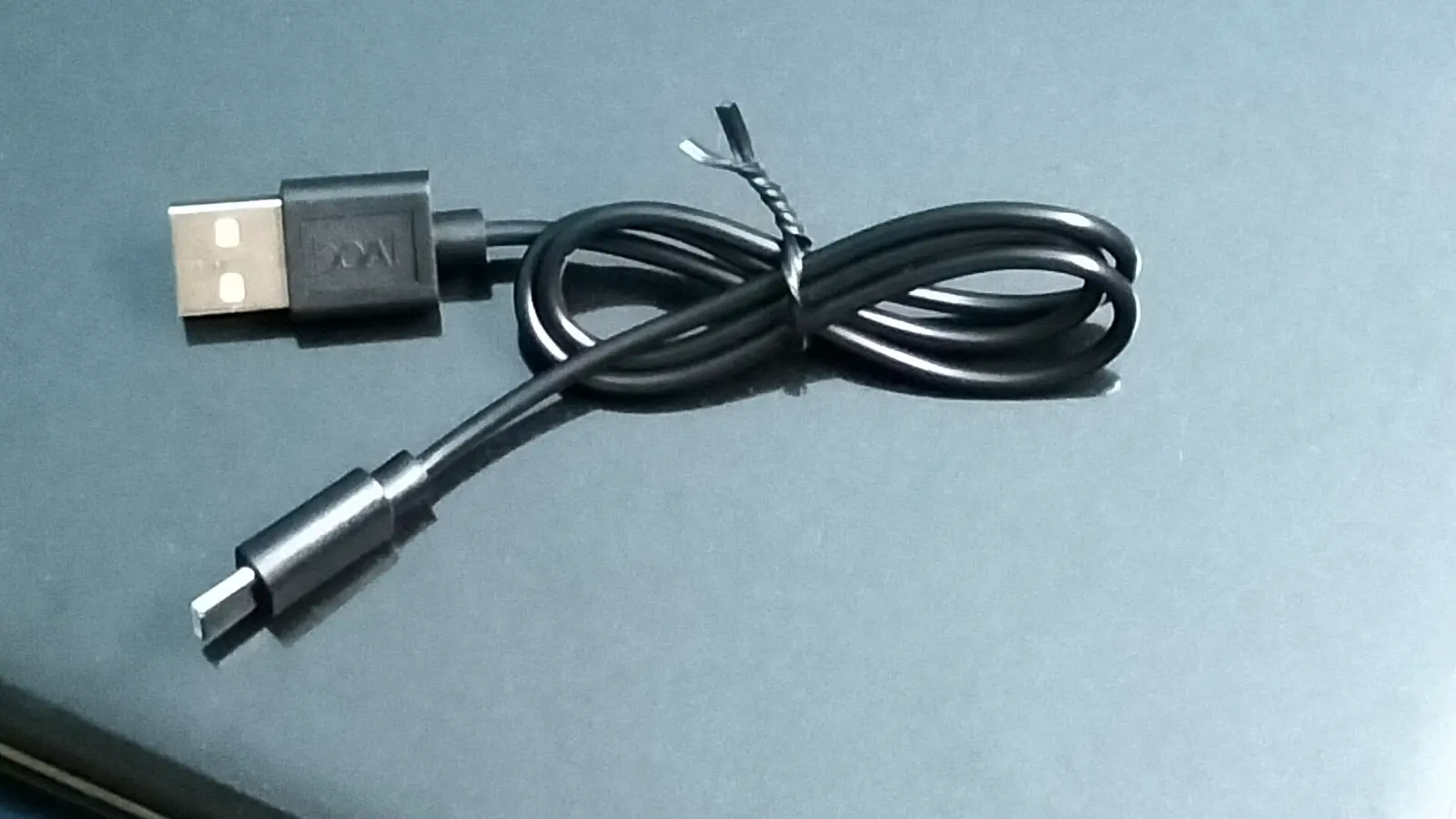
What USB-IF certified cables prove
USB-IF says its cable certification program gives end users a list of cables that meet quality standards for use in a USB environment. The important buying point is that certification is not a general promise that every cable does everything; USB-IF says cables are certified for different purposes, so the user must choose a cable with the right capabilities.
For USB-C to USB-C cables, the logo system is especially useful because USB-IF requires power labeling of 60W or 240W. It also requires data-rate marking, except for High-Speed USB 2.0 USB-C cables. The logo is verified by the test lab, so the mark should match the tested cable capability rather than a loose marketing claim.
A certified USB logo also has licensing meaning. USB-IF says the right to display a certified USB logo requires the product to pass compliance testing for product quality. USB-IF logos may be used only with products that have passed compliance testing and are currently on the Integrators List, and the company must have a USB Vendor ID and trademark license rights.
Certification does not prove that the cable will unlock the fastest charging or data transfer on every device. USB-IF states that certification does not increase the capabilities of the connected products. If the charger, phone, laptop or power bank negotiates a lower charging level, a more capable cable cannot override that.
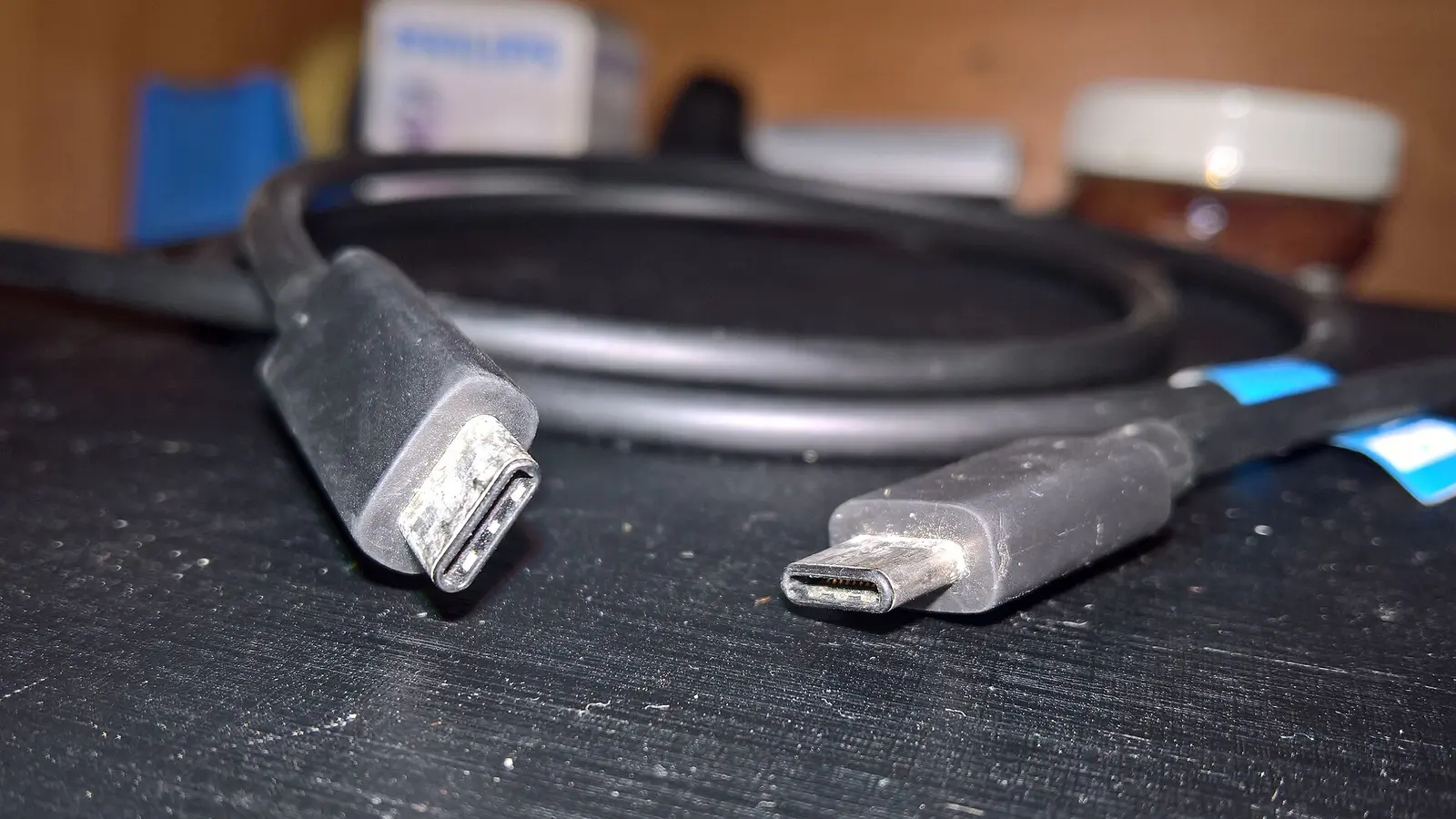
What the logos mean on a USB-C cable
The power logo tells the user the cable rating. USB-IF’s cable logo guide says a 60W cable logo may be used only for a USB Type-C cable rated for 60W that has passed the relevant USB-IF test procedures and been posted on the Integrators List. The 240W logo is for cables rated for 240W under the relevant Extended Power Range tests.
Some logos combine power and data capability. USB-IF’s guide lists combined logo examples such as 60W/20Gbps, 60W/40Gbps, 240W/20Gbps and 240W/40Gbps. These identify both the power rating and the data signaling capability after the corresponding USB-IF testing.
The compliance document for USB Type-C connectors and cable assemblies covers mechanical, environmental and electrical performance criteria and compliance requirements. USB-IF describes it as covering USB Type-C receptacles, plugs, USB-C to USB-C cable assemblies, USB-C to legacy USB cable assemblies and USB-C to legacy USB adapter assemblies. The page for Revision 2.1b shows a document date of March 28, 2025.
Be careful with partial claims. A certified connector, a claimed E-marker component, or a USB logo printed in artwork is not the same thing as a certified finished cable assembly on the Integrators List. For purchasing approval, the listed item should match the actual cable you will buy: connector type, length, power label, data label, model or part number, and supplier claim.
Treat the USB logo as controlled compliance artwork, not decoration. Do not approve custom packaging that uses a certified USB logo unless the exact product and logo usage are supported by the listing and licensing rights.
Cable capability choices for OEM buying
For private-label and promotional programs, start with the device use case. A charging giveaway for phones is different from a cable bundled with a laptop accessory, a docking product or a high-speed storage device. The wrong specification can create returns even when the cable looks premium.
| Cable type | What to check | Suitable use |
|---|---|---|
| USB-A to USB-C | Slower charging risk | Legacy chargers |
| USB-C to USB-C 60W | 60W logo match | Phone, tablet kits |
| USB-C to USB-C 240W | 240W logo match | Higher-power kits |
| USB-C USB 2.0 | No data-rate mark | Basic charging |
| 20Gbps or 40Gbps USB-C | Combined logo | Fast data needs |
| Captive cable | Not eligible | Built-in cable products |
Samsung explains that different USB-C cables exist, including 3A and 5A cables, and that 5A cables are thicker and able to carry more power. That is one reason a thin promotional cable and a higher-power USB-C cable should not be treated as interchangeable.
Google says Pixel phones can charge with USB-C to USB-C or USB-A to USB-C cables, but USB-A to USB-C with a USB-A adapter charges slower than USB-C with a USB-C adapter. Google also says other cables and adapters might not work, charging speed can change depending on the charger and cable, and a Check charging accessory notification can mean the cable or power adapter is unsupported or broken.
USB-IF also states that captive cables are not eligible for USB-IF certification. A captive cable is a cable permanently attached to a product rather than a separate cable assembly. If you are buying a power bank, wireless charger or desk accessory with a built-in USB cable, do not ask the supplier to show a USB-IF listing for that captive cable as if it were a detachable certified cable.
You can review cable categories as a starting point at USB cables, then write the actual compliance requirements into the RFQ instead of relying on product photos.
How to verify a supplier claim
USB-IF says its public Product Search is limited to products certified to bear the USB-IF logo and to products that have passed the USB-IF Compliance Program. It also says that if a product is not found, buyers should contact the manufacturer to determine when it will be certified. The public list defaults to products certified within the last two years, and older listings may not meet the current version of the compliance program.
A practical verification workflow is simple, but it must be done before artwork and packaging approval.
- Ask the supplier for the USB-IF listing identifier used for the cable. Buyers often call this the TID in sourcing discussions.
- Search the product in USB-IF Product Search and save a copy of the result for your approval file.
- Match the company name shown in the listing to the party making the certification claim.
- Match the marketing name, model name or part number to the quotation and sample label.
- Match the connector type, such as USB-C to USB-C or USB-A to USB-C.
- Match the cable length, because a listing for one cable should not be assumed to cover a different cable.
- Match the power rating, especially whether the cable is marked 60W or 240W.
- Match the data capability and any combined logo, such as 20Gbps or 40Gbps.
- Check that the proposed packaging, web listing and user manual do not imply a higher capability than the listed cable.
- If the product is not found, ask when it will be certified rather than accepting a loose logo file.
The key is to verify the finished cable assembly, not only a component. A supplier may show a compliant-looking plug, connector report or chip information, but your customer receives a complete cable. If the finished cable is the claim, the finished cable is what must match the listing.
When certification is worth asking for
USB-IF certification is worth considering when the cable is part of the value proposition, not just a low-visibility accessory. It is especially relevant when the retail package, distributor listing or import documentation will mention USB power rating, fast data capability or certified USB logos.
For brand owners, certification can reduce ambiguity in customer support. If a package says 60W or 240W and uses a certified USB logo, the claim should be traceable. For importers and distributors, traceability helps avoid a situation where different shipments carry similar artwork but different cable capabilities. For promotional-gift buyers, certification may matter when the gift is used with expensive devices or when the recipient will judge the brand by charging reliability.
There are also times when it may not be necessary. If the project is a simple non-logo charging cable for a narrow internal use, you may decide to specify connector type, charging requirement, inspection checks and packaging claims without asking for a certified USB logo. That is a commercial decision, but it should be deliberate rather than accidental.
European rules make correct USB-C specification more important. The European Commission guidance says common charger rules apply to listed device categories from December 28, 2024, and to laptops from April 28, 2026, when those devices are rechargeable by wired charging. It explains that covered devices must use the USB-C receptacle described in EN IEC 62680-1-3, and fast charging above 5V, 3A or 15W must incorporate USB Power Delivery as described in EN IEC 62680-1-2. The guidance also clarifies that the Common Charger Directive is about charging, not data transfer.
A later European Commission page says new ecodesign requirements apply from December 14, 2028 to external power supplies, battery chargers, wireless chargers and USB Type-C cables. It states that USB Type-C cables with USB-C plugs at both ends must meet official USB specifications, including electrical resistance and maximum voltage-drop limits, and must be marked at the plugs with a 60W or 240W power rating so users can select the right cable.
What to put in an RFQ
Your RFQ should separate the cable specification from the branding request. That makes it harder for a supplier to quote a good-looking cable that does not match the compliance claim.
- State the connector type, such as USB-C to USB-C or USB-A to USB-C.
- State whether the cable must be USB-IF listed, and whether a certified USB logo will appear on the cable, packaging or web listing.
- Ask for the listing identifier used in USB-IF Product Search.
- State the required power marking: 60W or 240W for USB-C to USB-C cables where applicable.
- State the required data capability, or say clearly if basic charging is the main purpose.
- Ask for artwork approval rules for any certified USB logo.
- Ask whether any custom logo position, color change, shell change or packaging change affects the listed cable claim.
- Ask for samples that match the quoted cable, not a similar sample.
- Ask for the product name, model or part number that will appear on the invoice, carton and internal approval file.
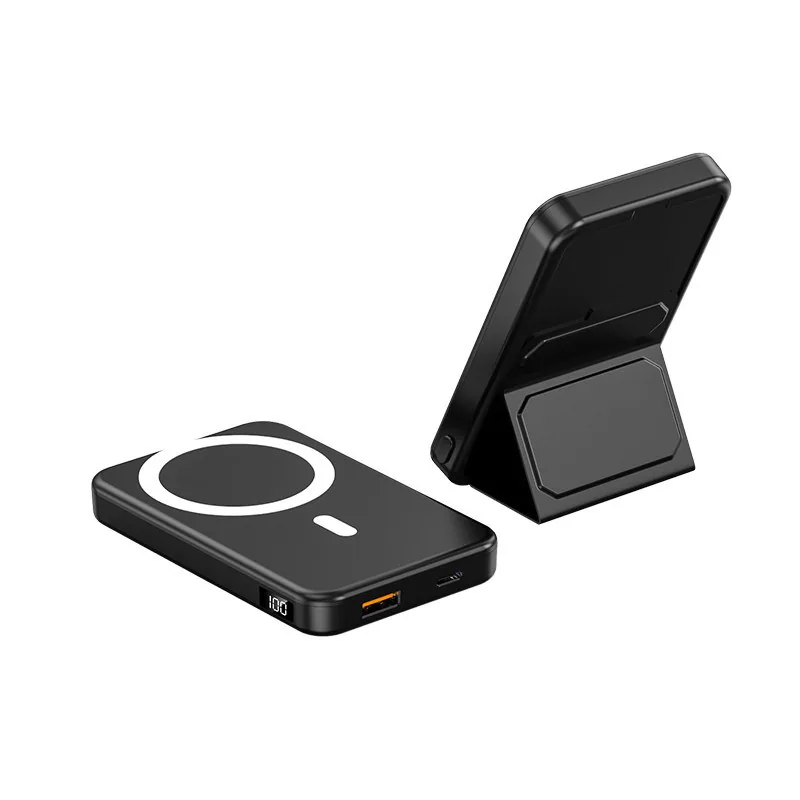
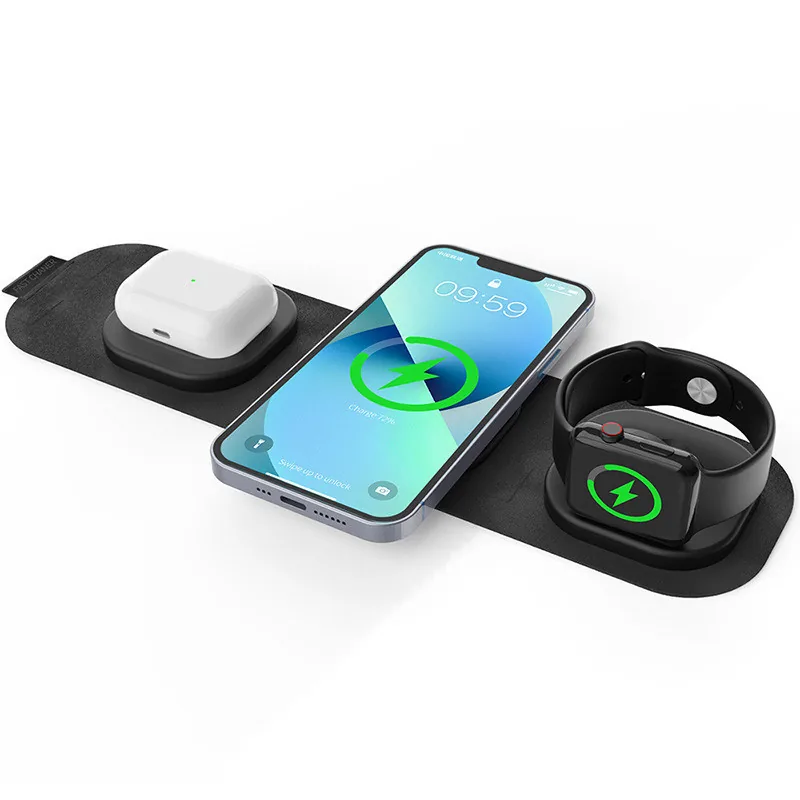
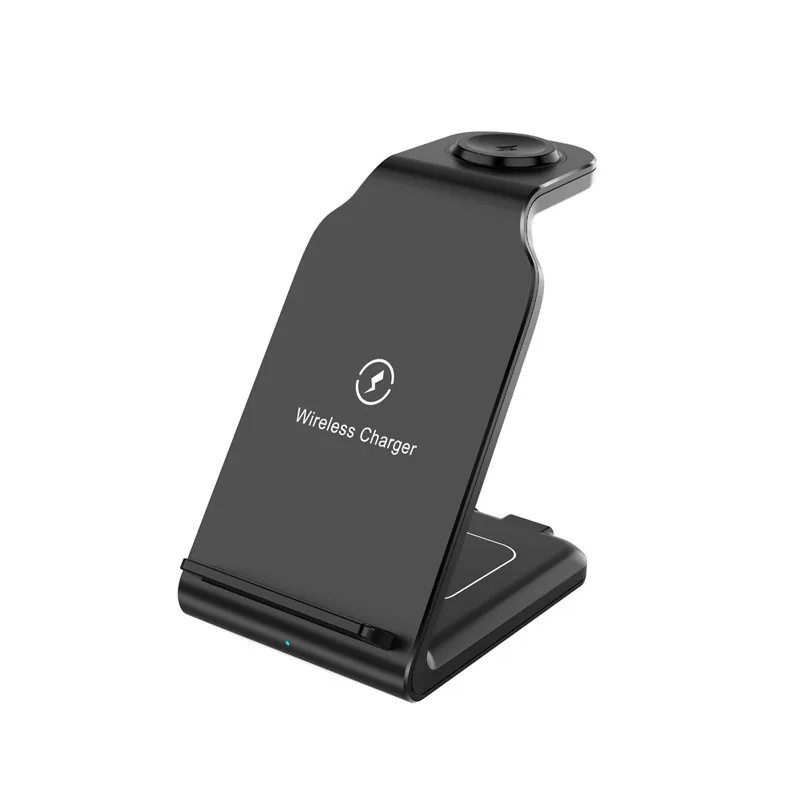
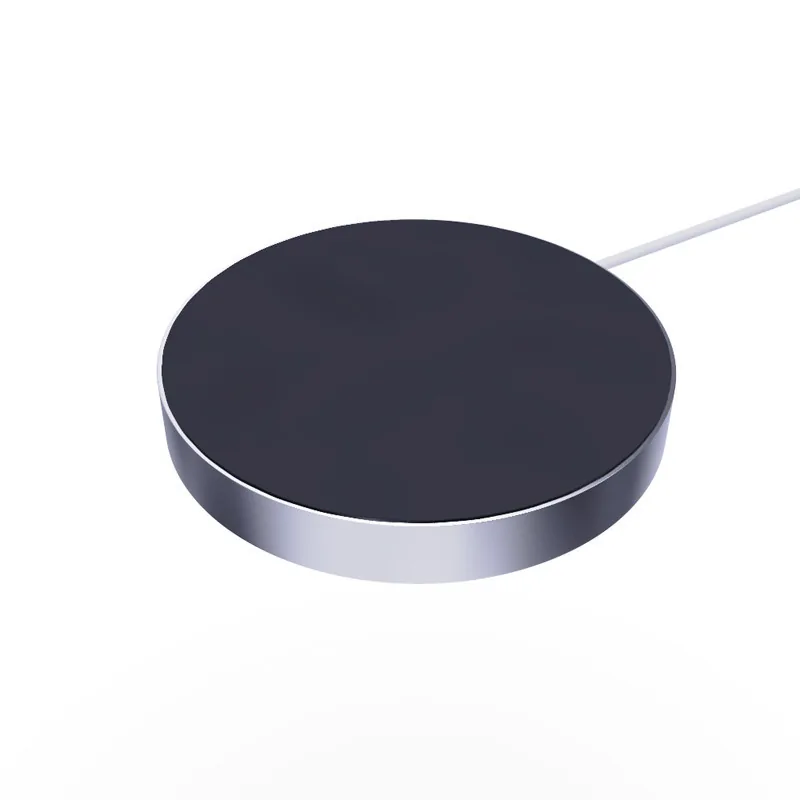
For OEM and ODM programs, Shenzhen Sunning Tension Industrial Co., Ltd. in Bao'an, Shenzhen makes USB cables, wireless chargers and wireless charging power banks to order for brands, importers, distributors and promotional-gift buyers, with custom logos and packaging. It does not sell its own consumer brand; it builds products for other companies. If your project needs a private-label cable or a cable bundled with another charging product, you can use the OEM and ODM page to frame the project type and the contact page to ask for a quotation or a sample.
Questions and answers
Does a USB-IF logo mean the cable supports the fastest charging and data transfer?
No. USB-IF says cables are certified for different purposes and that certification does not increase the capabilities of connected products. Check the exact logo and listing: a 60W charging cable, a 240W cable, and a cable marked with 20Gbps or 40Gbps data capability are different buying choices.
How can I check if a cable is really certified and not just using a fake logo?
Use USB-IF Product Search and match the listing to the supplier claim. Check the company name, product name, part number, connector type, length, power rating, data marking and logo artwork. If the product is not found, USB-IF says buyers should contact the manufacturer to determine when it will be certified.
What is a TID, and should I ask my supplier for it?
In cable sourcing, buyers often use TID to mean the listing identifier used to find the item in USB-IF Product Search. Ask for it, but do not stop there. The identifier is useful only if the listing details match the exact cable you are buying.
What is the difference between a 60W and 240W USB-C cable?
For USB-C to USB-C cables, USB-IF requires power labeling of 60W or 240W. The 60W logo is for a cable rated for 60W that has passed the relevant procedures and is posted on the Integrators List. The 240W logo is for a cable rated for 240W under the relevant Extended Power Range tests.
Can I use a certified USB-C cable with any charger, phone, laptop or power bank?
A certified cable can still be limited by the connected products. Google notes that charging speed can change depending on the charger and cable, and USB-IF says certification does not increase product capability. Use a cable with the right connector, power rating and data capability for the device set you expect.
Sources
- USB Implementers Forum, Inc. (USB-IF): Product Search
- USB Implementers Forum, Inc. (USB-IF): Cables and Connectors
- USB Implementers Forum, Inc. (USB-IF): USB-IF Logo License
- USB Implementers Forum, Inc. (USB-IF): USB Type-C® Cable Power Rating Logo Usage Guidelines
- USB Implementers Forum, Inc. (USB-IF): USB Type-C® Connectors and Cable Assemblies Compliance Document Rev. 2.1b
- European Commission / EUR-Lex: Commission Notice – Guidance for the interpretation of the Common Charger Directive
- European Commission, Directorate-General for Energy: EPS Regulation 2025/2052 (NEW) - Energy Efficient Products
- Samsung Electronics America: Wall chargers and charging your Samsung phone or tablet
- Google Pixel Phone Help: Charge your Pixel phone
Written by the engineering team at Shenzhen Sunning Tension Industrial Co., Ltd., an OEM and ODM factory in Bao’an, Shenzhen making consumer electronics and supplying custom-branded gifts. Ask a question about your own specification →