A wireless charger getting hot is usually normal because wireless charging transfers energy through a magnetic field, and some energy becomes heat. It becomes a concern when heat is strong, sudden, linked to metal objects or cases, or followed by charging pauses, warning messages, smell, swelling, discoloration or failure to charge.
Start by separating the cause: phone, charger, adapter or cable, case or accessory, and the charging environment. That is more useful than asking whether all wireless charging is hot, because two chargers with the same rated power can behave differently if alignment, firmware control, cooling and foreign object detection are different.
Quick diagnosis flow
Use this flow before replacing anything. Keep notes, because the pattern matters more than one warm charging session.
- Remove the phone from the charger, unplug the charger, and let both return to room feel before testing again.
- Check the area between phone and pad. Remove coins, keys, rings, jewelry, paper clips, foil, credit cards, magnetic stickers and any loose metal or magnetic item.
- Remove the case. Pay special attention to thick cases, metal cases, battery cases, magnetic plates and wallets.
- Center the phone on the charging area, or place it exactly where the charger maker marks the coil. If it is a magnetic charger, let the magnets pull the phone into position and make sure it sits flat.
- Try the same phone on another known working wireless charger. If only one charger becomes unusually hot, suspect the charger, its adapter or its cable.
- Try another compatible phone on the same charger. If every phone makes that charger hot, suspect the charger, adapter, cable, layout or environment.
- Move the charger to a hard, flat, open surface. Do not charge under a pillow, blanket, paper stack, soft sofa surface or direct sun.
Stop using the charger immediately if there is smoke, burning smell, melted plastic, swelling, liquid leakage, exposed wiring, repeated fault lights, or heat that feels unsafe to touch.
Apple, Google and Samsung all describe some warmth during wireless charging as normal. They also warn against metal or magnetic objects between the phone and charger, because those objects can heat, interfere with charging or stop correct operation.
Why wireless chargers create heat
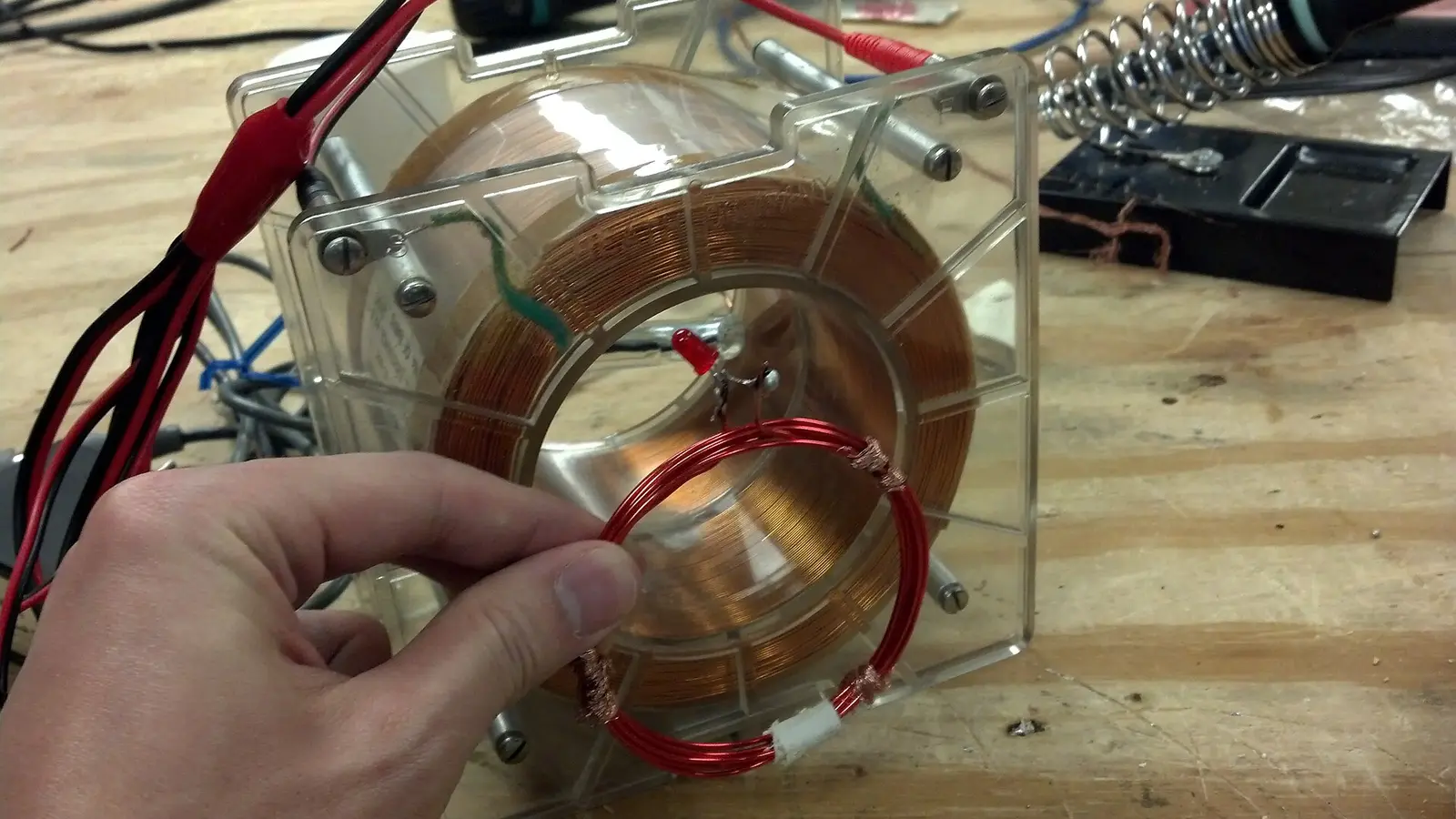
Wireless charging is not magic; it is a controlled energy transfer. In the Qi system, the transmitter in the charger and the receiver in the phone use an alternating magnetic field. That means the magnetic field changes direction rapidly so energy can cross the small air gap between charger and phone.
Heat appears for several reasons. The phone battery and charging circuits warm during charging. The transmitter coil and receiver coil also have electrical losses. If the coils are not well aligned, more energy can be wasted instead of reaching the battery efficiently. That wasted energy usually becomes heat.
Metal is the main special risk in wireless charging. The Wireless Power Consortium explains that conductive foreign objects in the magnetic field can have eddy currents induced in them. Eddy currents are circulating electrical currents inside a metal object, and they can heat the object. WPC examples include coins, paper clips, keys, foil and similar objects.
Cases can also change the result. Apple says thick, metal or battery cases can cause slow or failed wireless charging for iPhone. Google says Pixel Stand can charge through most cases up to 3 mm thick, but not through cases with metal, batteries or attachments. A case that works on one charger may run warmer on another if it shifts the phone away from the coil, traps heat, or adds magnetic or metallic material between the coil and receiver.
Alignment matters because magnetic charging works across a small zone, not across the whole table. Apple recommends placing iPhone in the center of the charger or where the manufacturer specifies. Qi 2.0 introduced the Magnetic Power Profile, magnetic attachment and alignment of the transmitter and receiver, which directly addresses one common cause of inefficient charging.
Warmth, caution and stop-now signs
There is no universal hand-feel rule that applies to every phone, room and charger. A phone with a very low battery may feel especially warm during charging, according to Google. Apple says iPhone may get slightly warmer while charging, and if the battery gets too warm, software may limit charging above 80% until temperature drops. Samsung says charging may shut off if temperature goes beyond or below a certain level to protect the device.
Use symptoms instead of guessing from touch alone.
| Symptom | Likely meaning | Action |
|---|---|---|
| Mild warmth | Normal charging | Keep airflow open |
| Warmer with low battery | Often expected | Monitor once |
| Slow or paused charge | Heat control active | Remove case, recenter |
| Hot metal item | Foreign object risk | Stop and remove it |
| Smell or melting | Unsafe fault | Unplug now |
| Swelling or leakage | Battery hazard | Contact service |
A charger can feel warm and still be working correctly. A charger can also feel only moderately warm while a coin, ring or magnetic sticker between the phone and pad becomes much hotter. That is why checking the charging interface is more important than touching only the outer shell.
If the phone slows or stops around 80%, do not assume the charger is broken. Apple says iPhone software may limit charging above 80% if the battery gets too warm, then continue after temperature drops. That is a protective behavior, not a promise that the charging setup is ideal.

How to measure heat without guesswork
A simple log helps you decide whether the problem is repeatable. You do not need a lab to find the likely cause, but you do need consistent conditions.
Record these points before charging, then again after 10, 30 and 60 minutes:
- Room condition: cool open desk, warm room, car cabin, sunlight, bedside surface or covered area.
- Phone condition: model, battery level, active apps, navigation, video, hotspot or standby.
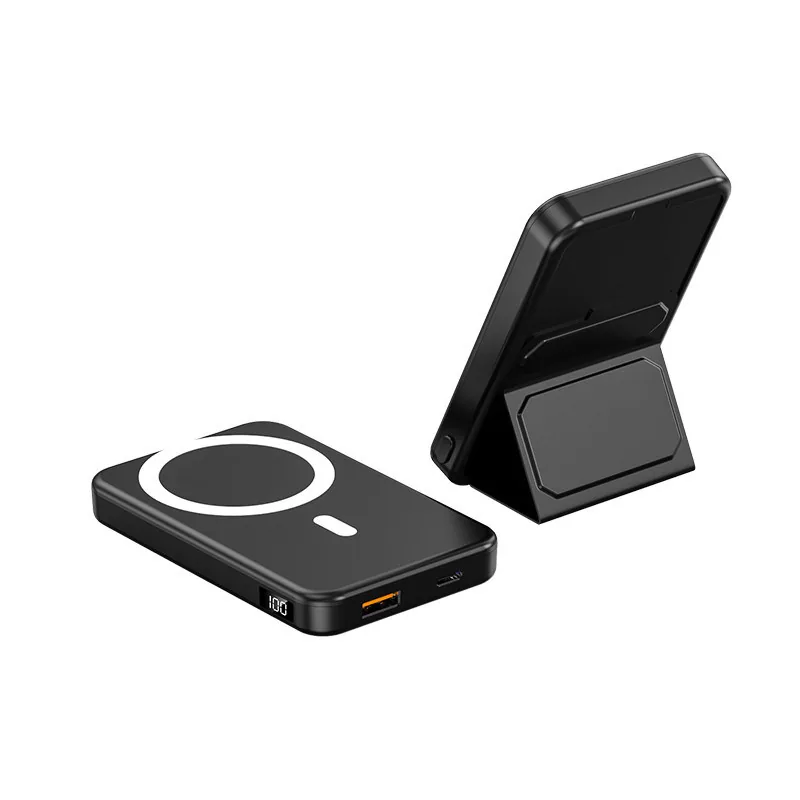
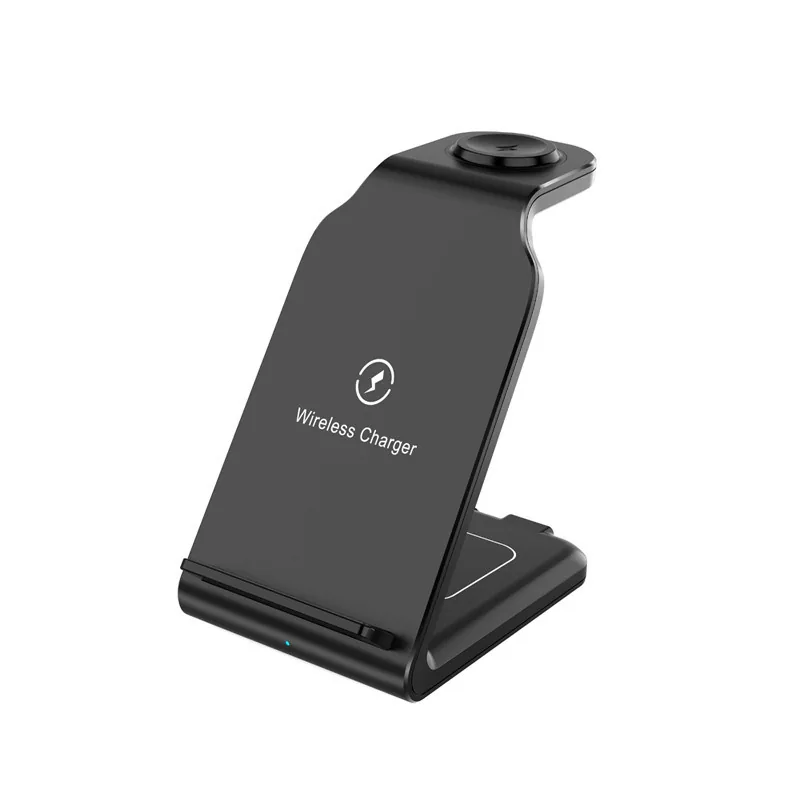
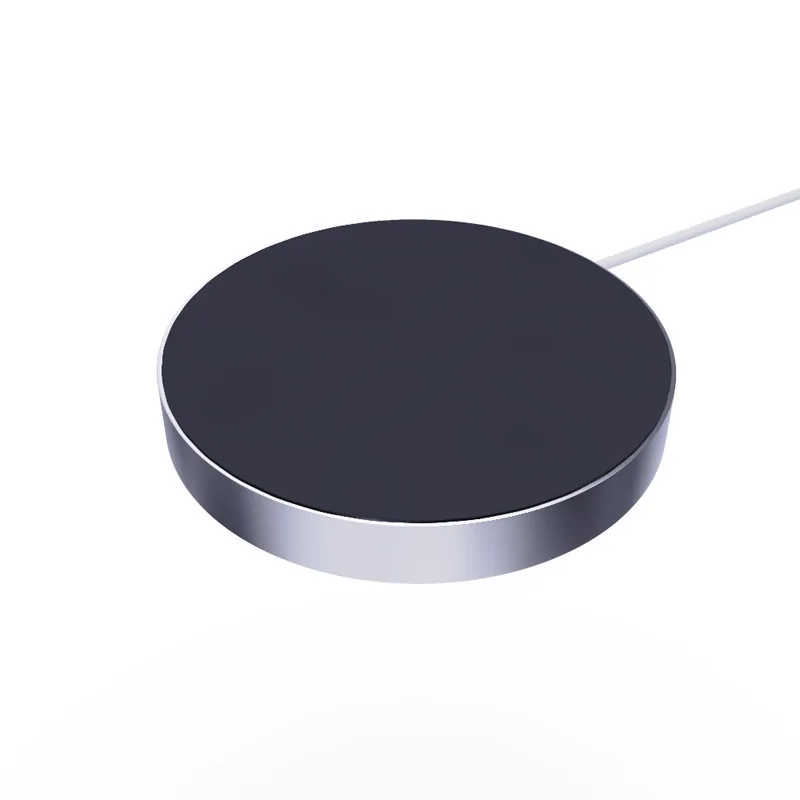
- Charger condition: pad, stand, multi-device station, magnetic puck, car mount or power bank.
- Adapter and cable: the exact adapter and cable used, and whether they came with the charger or were substituted.
- Case and accessories: no case, plastic case, thick case, wallet case, magnetic sticker, ring holder or metal plate.
- Position: centered, tilted, floating on a camera bump, magnetic attachment, or partly off the charging mark.
- Phone reading: battery temperature if the phone or service tool shows it, warning messages, charge pause messages and battery percentage change.
- Charger reading: surface temperature if you have a surface thermometer, fault lights, fan noise, repeated restart, or unusual smell.
Run one change at a time. If removing the case fixes the heat, the case or accessory is the likely trigger. If changing only the adapter fixes repeated stopping, the adapter or cable may be limiting stable power delivery. If another phone also causes heat on the same charger, the charger design, charging surface, adapter or environment becomes more suspect.
For car mounts, repeat the check away from direct sunlight and away from a hot dashboard. For bedside charging, repeat it on a hard open surface, not under bedding. Apple specifically says to keep iPhone, power adapters and wireless chargers in a well-ventilated area during use or charging and warns against sleeping on or covering a connected device, adapter or wireless charger.
Design features that control heat
Heat performance is designed into the product. It is not defined only by the wattage printed on a package.
Foreign object detection, often shortened to FOD, is the charger function that tries to detect power being lost to an object that should not be in the magnetic field. WPC says a system should avoid starting power transfer, limit power, or stop power transfer when foreign objects are detected. Texas Instruments describes one wireless power transmitter controller as supporting FOD by continuously monitoring power-transfer efficiency to protect against power lost to misplaced metal objects.
Power limiting is another control. A charger may reduce output when input power is limited, when the phone requests less power, when temperature rises, or when system conditions change. Apple says MagSafe Charger intelligently adapts to conditions to optimize charging up to 25 W peak power, and that delivered power varies by iPhone model, adapter wattage and system conditions. WPC lists Qi 2.2 support for up to 25 W power transfer, adapter-aware power modes, gain measurement for power control, improved magnetic power-loss accounting, a mated Q-factor check before power transfer, and FOD calibration above 15 W.
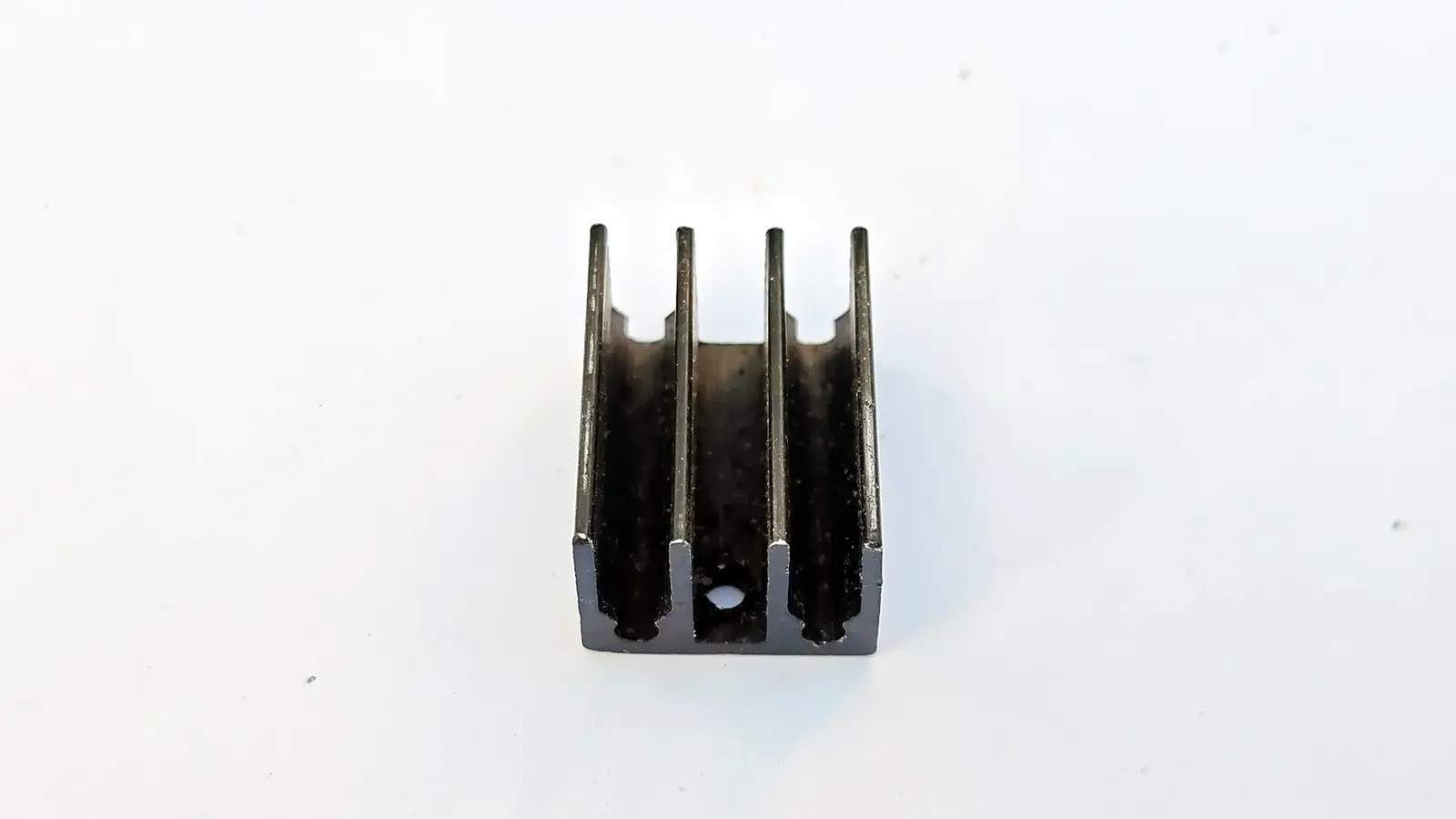
Cooling can be passive or active. Passive cooling means the shape and materials help heat leave the coil area. Active cooling uses a moving part such as a fan. WPC notes that active cooling of the interface surface is one possible way to drain heat away. Google lists Pixel Stand 2 charging modes including Optimized, Max and Quiet, where Quiet makes the fan run as quietly as possible.
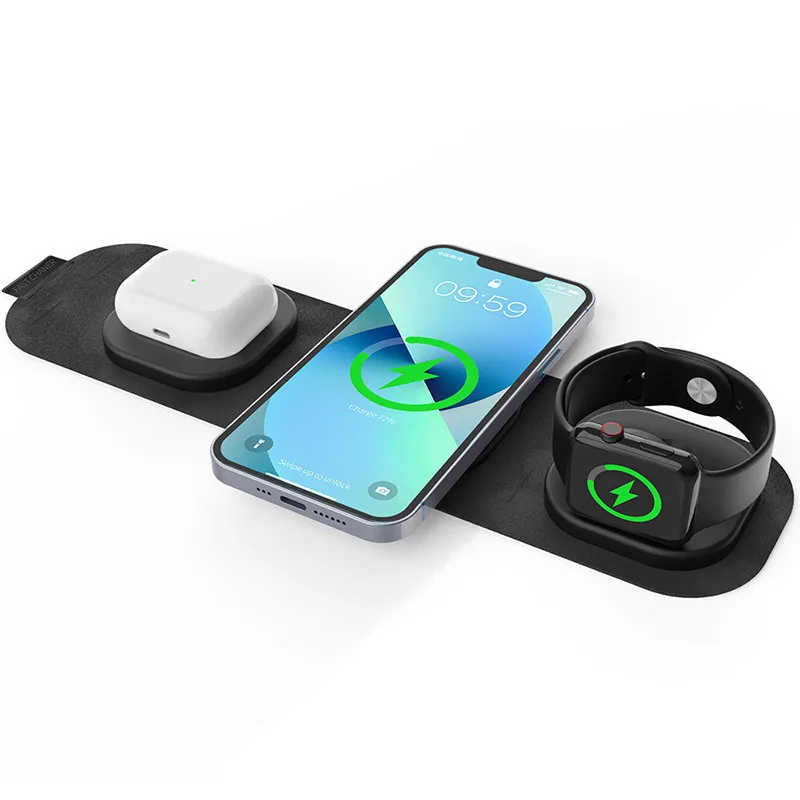
Coil position and magnetic alignment decide how cleanly energy crosses the gap. A stand with a coil that matches the phone position can run cooler than a pad where the user often places the phone off-center. Multi-device chargers add another challenge: the phone, watch and earbuds areas must be separated and marked clearly so one device does not sit over the wrong coil.
Housing and thermal path also matter. A thin shell that traps heat near the coil can behave differently from a design that spreads heat away from the contact area. For buyers comparing wireless chargers, look beyond rated output and ask how the design handles alignment, foreign objects and heat movement.
Buyer checks for OEM and ODM projects
For brand owners, importers, distributors and promotional-gift buyers, heat complaints are not only a user-support issue. They are shaped by the product specification, packaging warnings, supplied adapter guidance and sample testing.
For an OEM or ODM wireless charger project, define the test plan before approving samples. Shenzhen Sunning Tension Industrial Co., Ltd. makes wireless chargers, USB cables and wireless charging power banks to order for brands, importers, distributors and promotional-gift buyers, with custom logos and packaging. If you are preparing a custom project, the useful next step is to specify what the buyer gets and what the end user is told, not just the printed logo.
Sample checks should include:
- Intended phone models and common phone sizes for your market.
- Bare phone and case-on tests, including thick, magnetic, wallet and metal-risk cases where relevant.
- Centered placement and deliberate off-center placement to observe heat, charging speed and fault behavior.
- Metal object checks using everyday items described in user warnings, such as coins, keys and rings.
- Adapter and cable combinations that match what will be sold or recommended with the product.
- Open-air use and realistic desk or bedside use, without covering the charger.
- Multi-device loading for stations, including each charging area used alone and together.
Pass and fail observations should be practical:
- Pass: charging starts only when placement is correct.
- Pass: foreign objects cause no start, power reduction or stop behavior.
- Pass: phone and charger warm gradually without warning messages in normal open-air use.
- Caution: heat rises sharply only with one case or accessory.
- Caution: charging repeatedly starts and stops near the edge of the coil.
- Fail: metal objects continue heating without stop behavior.
- Fail: the shell deforms, smells, discolors or shows unstable power cycling.
Packaging and user instructions should say, in plain language, to remove metal or magnetic objects, avoid metal or battery cases, place the phone on the marked area, use the specified adapter and cable, keep the charger ventilated, and stop use if abnormal heat or damage appears. For custom logo and packaging work, these warnings belong in the product brief as early as artwork and sample approval. Buyers planning a branded program can review the OEM and ODM path at /oem-odm, then ask for a quotation or sample through /contact when the specification is ready.
Good supplier questions are simple and direct:
- How is foreign object detection checked during sample approval?
- What happens when the phone is off-center?
- What adapter and cable conditions were used for the heat test?
- Does the firmware reduce or stop power under fault conditions?
- How is coil position marked for the user?
- How are multi-device coils separated to avoid misplacement?
- What warning text is printed in the manual and packaging?
Questions and answers
Why does my charger get warm even when it works normally?
Wireless charging uses a changing magnetic field between a transmitter and receiver, and some energy becomes heat in the charger, phone and battery system. Mild warmth is expected, especially during active charging, but heat should not be linked to metal objects, blocked airflow, burning smell, swelling or repeated fault behavior.
How warm is normal, and when is it overheating?
Normal warmth is steady, mild and not accompanied by warning messages or physical damage. Treat it as overheating risk if charging pauses repeatedly, a metal item becomes hot, the case area feels sharply hotter than usual, the charger smells, discolors, melts, or the phone reports a temperature-related warning.
Why does a MagSafe Charger get hot with some cases?
Apple says thick, metal or battery cases can cause slow or failed wireless charging, and MagSafe Charger output varies by iPhone model, adapter wattage and system conditions. A case can add distance, trap heat, shift alignment or include metal or magnetic parts that affect charging.
Can a coin, key, credit card, ring or magnetic sticker cause heat?
Yes. WPC says conductive foreign objects such as coins, paper clips, keys and foil can dissipate power from the magnetic field and heat to unsafe levels. Apple and Google also warn against metallic or magnetic objects between the phone and charger, including items such as keys, coins, jewelry and credit cards.
Do fans, vents and power control really make a difference?
They can. Cooling helps remove heat from the charging area, and WPC notes active cooling as one possible way to drain heat from the interface surface. Power limiting and foreign object detection also matter because the charger can reduce, avoid or stop power transfer when conditions are not suitable.
Sources
- Wireless Power Consortium: Qi Specification, Introduction, Version 1.3
- Wireless Power Consortium: Qi Specification, Foreign Object Detection, Version 1.3
- Wireless Power Consortium: History of the Qi Specifications
- Apple: How to charge your iPhone wirelessly
- Apple: How to use your MagSafe Charger with iPhone
- Apple: Important safety information for iPhone
- Google: Charge your phone with a Pixel Stand
- Google: Safety, Regulatory and Warranty Guide for Pixel Stand (2nd gen)
- Samsung: Galaxy Battery - Charging Tip
- Texas Instruments: BQ500511A data sheet, product information and support
Written by the engineering team at Shenzhen Sunning Tension Industrial Co., Ltd., an OEM and ODM factory in Bao’an, Shenzhen making consumer electronics and supplying custom-branded gifts. Ask a question about your own specification →