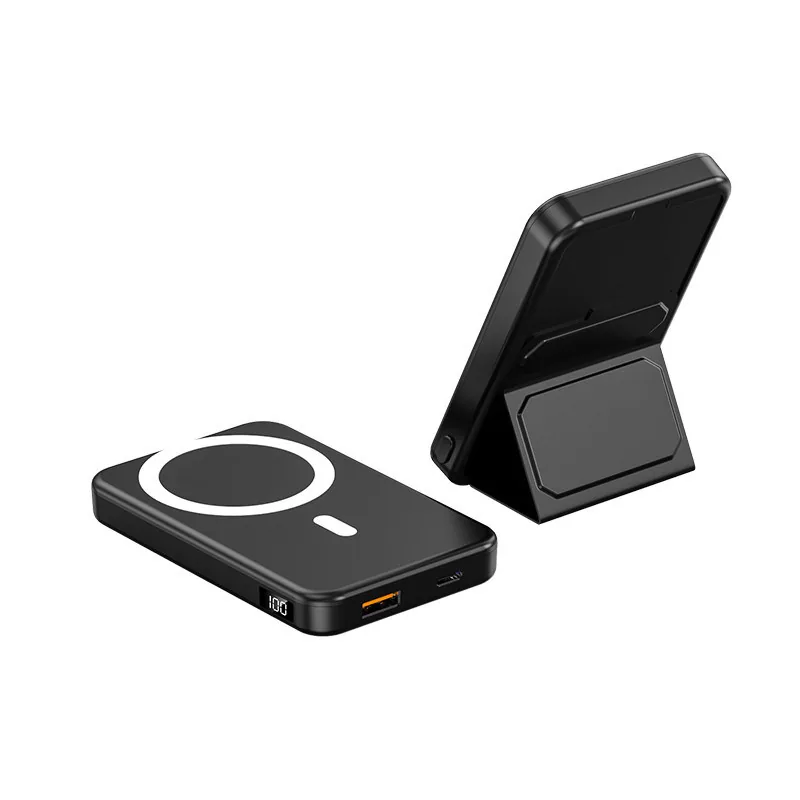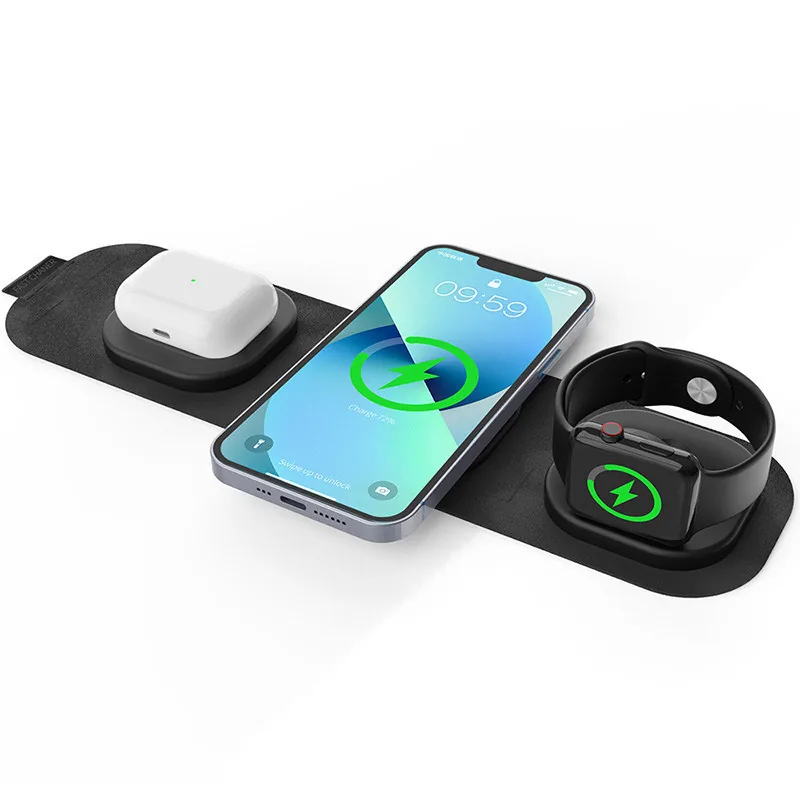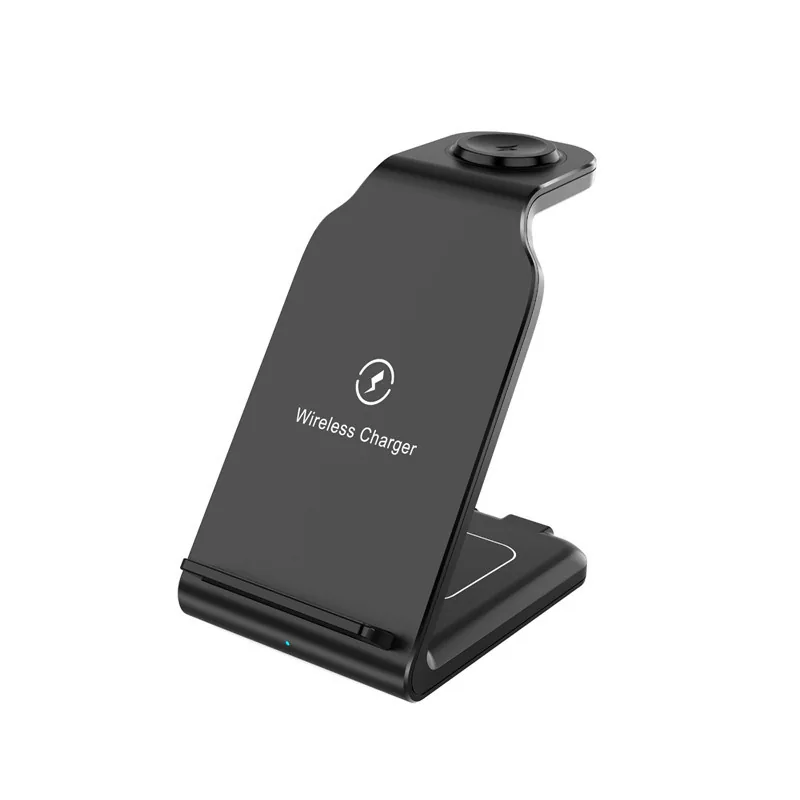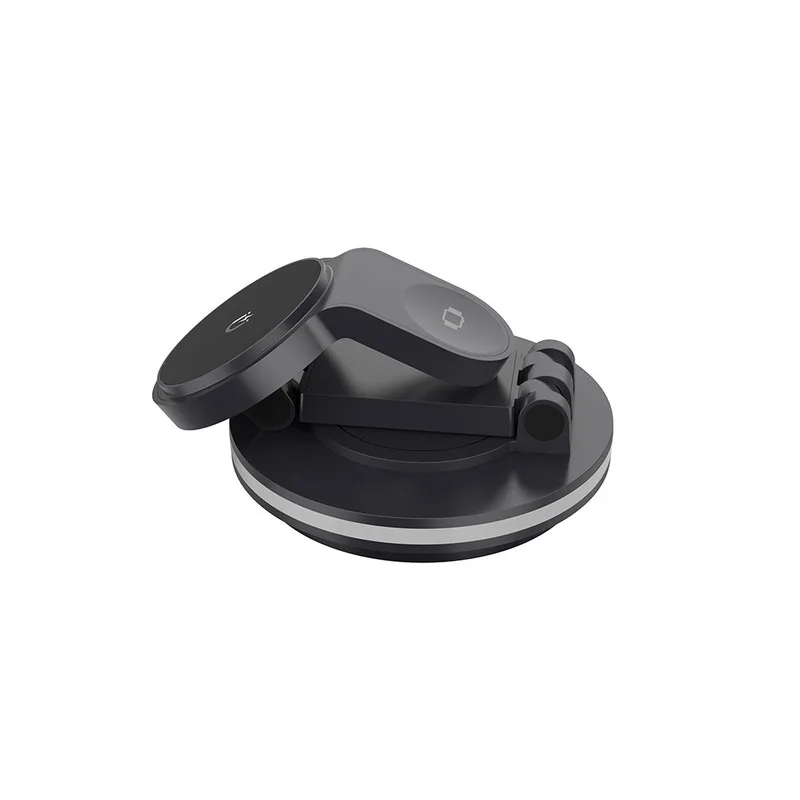
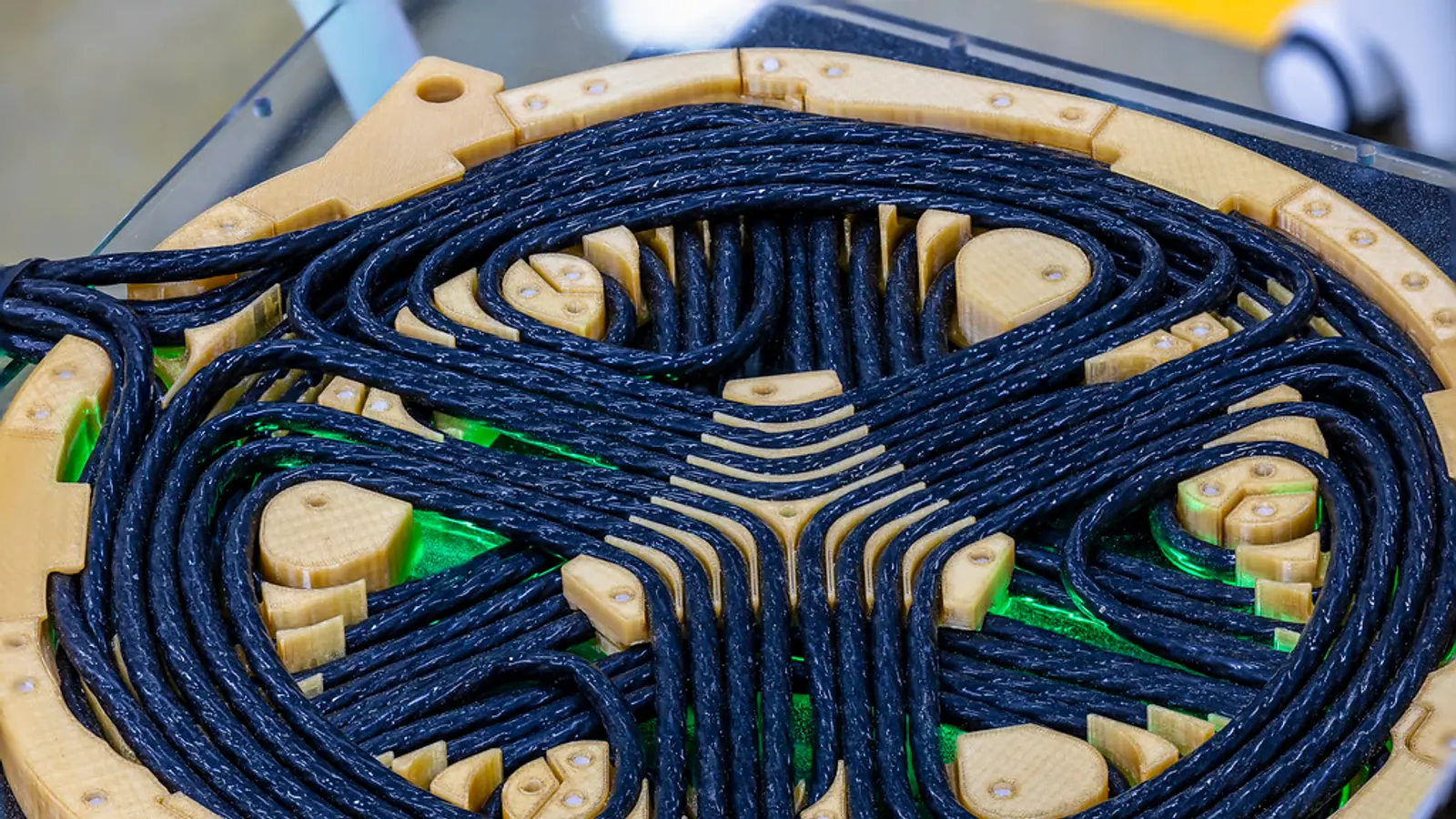
A 3 in 1 wireless charger is a single charging station with separate areas for a phone, a smart watch and wireless earbuds. The main buying decision is not only the phone wattage; it is whether the watch module, earbuds pad, adapter and certification claims match the devices your customers will actually use.
What the three charging areas handle
A charging station normally divides the job into three positions: a phone pad or stand, a watch puck, and a smaller pad or tray for earbuds. The phone area is usually the highest-power part, because modern phones can draw more power than watches or earbuds when the phone and charger support the same wireless charging profile.
Qi is the wireless charging standard managed by the Wireless Power Consortium. WPC says products that use the Qi or Qi2 logo must be tested for safety and interoperability before they may use the logo, and certified products receive a WPC ID number and appear in the Qi or Ki Product Database. For a brand, importer or distributor, that database check is more useful than a claim printed on a product page.
Qi2 added magnetic attachment and alignment with phone charging up to 15 W, and WPC also describes Qi2 25W as increasing phone charging power to 25 W. In practical terms, the magnetic system helps the phone sit in the right position, which reduces the chance of slow or interrupted charging caused by poor coil alignment.
The watch area is different. Apple Watch, Galaxy Watch and Pixel Watch do not all behave like ordinary Qi phones. Some stations are built for Apple Watch users, some are built for a different watch family, and some need a separate version for each market.
The earbuds area is usually simpler, but still needs checking. Apple says MagSafe Charging Cases and Wireless Charging Cases for AirPods can charge on a Qi-certified mat or MagSafe charger with the status light facing up and the lid closed. Samsung says Galaxy Buds can charge wirelessly with a Qi-compatible pad or Wireless PowerShare, and that case covers may interfere.
Phone power and adapter sizing
Phone wattage is where listings can become confusing. A product may say 15 W, 25 W or magnetic, but the actual result depends on the phone model, the wireless charging standard, the power adapter, accessories attached to the phone, temperature and alignment.
Apple gives a clear example for its MagSafe Charger. It says the charger should be connected to a 30 W or greater USB-C power adapter for up to 25 W on listed newer iPhone models. It also says iPhone 15 and earlier need a 20 W or greater USB-C adapter for up to 15 W, while lower-power adapters still work but charge more slowly. Apple also notes that accessories connected to the phone can reduce wireless charging power.
That explains why a multi-device station may specify an adapter that is higher than the phone pad output. The adapter is feeding more than one load: the phone area, the watch area, the earbuds area, the electronics inside the station and the losses that occur when power is converted and transferred wirelessly. USB Power Delivery, often written as USB PD, is a USB-IF power system that lets devices take only the power they require, so the adapter rating is not the same as forcing that full power into every device.
For procurement, ask for the phone output in plain terms rather than accepting one headline number. Separate these claims:
- The wireless standard supported by the phone pad, such as Qi or Qi2.
- The maximum phone output under the right phone and adapter conditions.
- The adapter type required to reach that output.
- Whether the adapter is included or supplied separately.
- Whether the cable is USB-C to USB-C or another type.
- What happens when the phone, watch and earbuds charge at the same time.
A 25 W phone claim is not a whole-station performance claim; it only matters when the phone, charger, cable and adapter all support the required conditions.
The watch charger is the critical choice
The watch position is the area most likely to cause compatibility disputes after delivery. A phone pad that follows Qi or Qi2 can serve many phones, but a watch charging puck is often tied to a watch family and charging method.
Apple says fast charging is supported on Apple Watch Series 7 and later, Apple Watch SE 3, and Apple Watch Ultra and later. It says fast charging requires an Apple USB-C Magnetic Fast Charging Cable and a USB-C power adapter that is Apple-listed or a comparable USB Power Delivery adapter of 5 W or greater. Apple also says WPT-compliant watch chargers do not support fast charging, where WPT means wireless power transfer.
Samsung advises that Galaxy smart watches charge with the dock that came with the watch and recommends using Samsung charging accessories. Samsung also says some models can use wireless charging pads or Wireless PowerShare, but Galaxy Watch7, Watch Ultra and Watch8 series are not compatible with Wireless PowerShare.
Google is stricter for Pixel Watch charging. It says Pixel Watch 4 and 5 should be charged only with the included Quick Charge Dock, Pixel Watch 2 and 3 only with the included USB-C Fast Charging Cable, and the original Pixel Watch only with its included USB-C magnetic wireless charger. Google also says reverse wireless charging from Pixel phones is not supported.
For an end user, this means you should buy a station that names your watch family clearly. For an importer or promotional-gift buyer, it means you should not approve packaging that says universal watch charger unless the claim has been tested against the target watch models and documented.
| Charging area | Specify clearly | Main risk |
|---|---|---|
| Phone | Qi, Qi2, wattage | Overstated speed |
| Watch | Watch family | Wrong puck |
| Earbuds | Case support | Poor alignment |
Earbuds are simpler but not universal
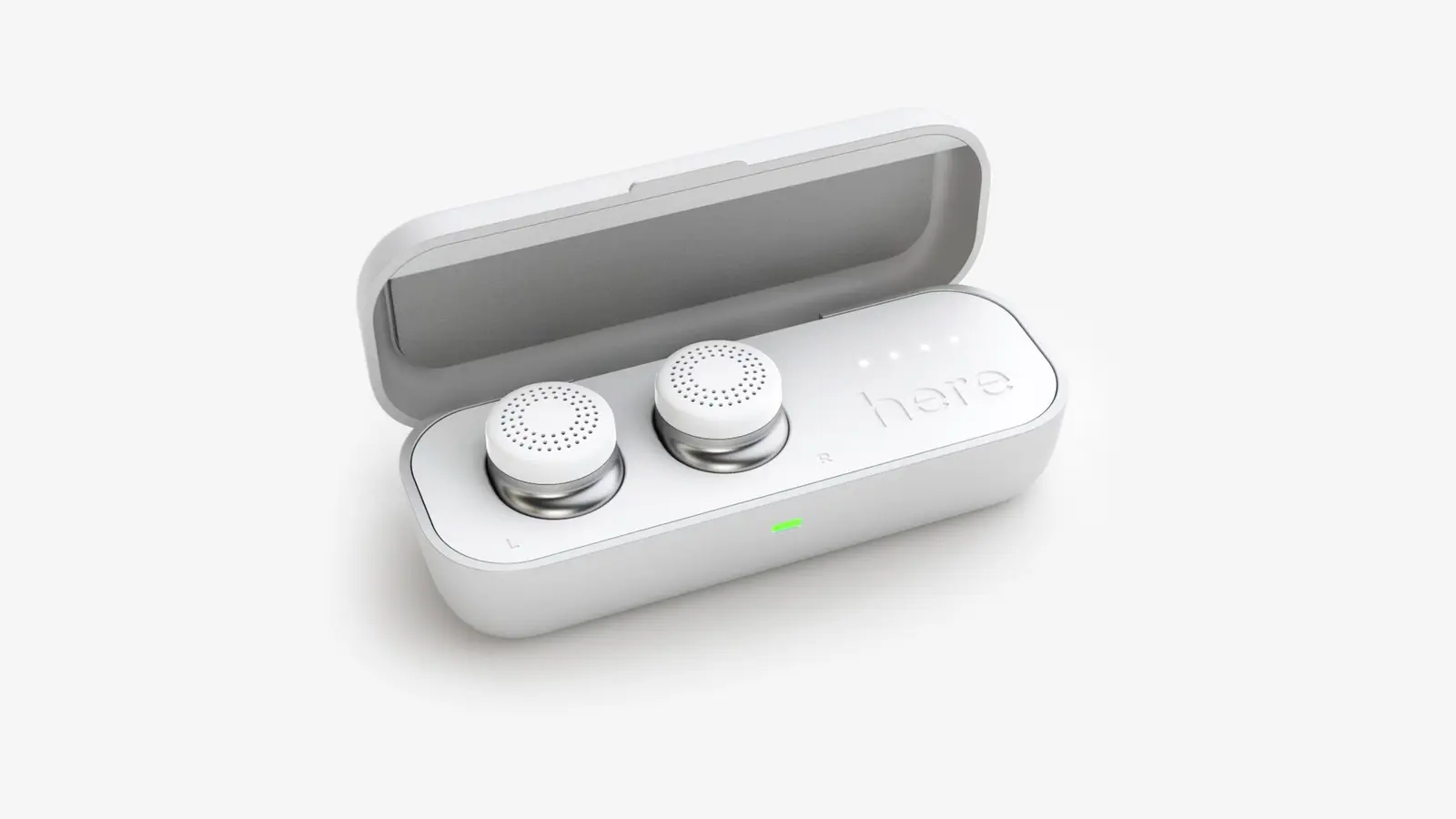
Wireless earbuds often charge at lower power than phones, so buyers sometimes treat the earbuds tray as an afterthought. That is a mistake for returns and user satisfaction. The earbuds case must sit flat, centered and in the right orientation.
Apple says AirPods cases that support wireless charging should be placed with the status light facing up and the lid closed. It also says several AirPods cases, including AirPods Pro 2 and 3 and AirPods 4 ANC and 5 Wireless Charging Case, can charge with an Apple Watch charger, with the case centered flat on the charger.
Samsung says several Galaxy Buds models support wireless charging, and that placing the case in the center of the pad helps ensure proper charging. It also notes that charging case covers may interfere. Google says Pixel Stand can wirelessly charge Pixel Buds and third-party Qi-compatible earbuds.
For a custom product brief, ask the supplier to show the earbuds test set used for approval. If your audience is Apple-heavy, the tray shape and LED visibility may matter. If your audience is mixed, the pad should be physically forgiving enough for common Qi-compatible earbud cases, while the packaging should avoid claims that go beyond the tested devices.
Specification checklist for ordering
A clear specification prevents many sourcing problems. If you are comparing products in the wireless charger station category, prepare one sheet that separates electrical performance, mechanical design and branding.
Use this checklist before requesting a sample:
- Phone output: state the claimed phone wattage and the standard behind it, such as Qi or Qi2.
- Magnetic alignment: state whether it is magnetic alignment, MagSafe-compatible positioning, or Qi2 magnetic alignment.
- Adapter requirement: state the USB-C adapter rating needed for full performance, and whether USB Power Delivery is required.
- Cable: state cable connector type, cable length if relevant to packaging, and whether the cable is included.
- Watch version: state Apple Watch, Galaxy Watch, Pixel Watch or another watch family, not only watch charger.
- Earbuds support: list the earbud cases used for confirmation, including AirPods or Galaxy Buds where relevant.
- Case tolerance: test phones with typical protective cases and reject vague claims about thick cases.
- Heat behavior: check surface temperature behavior during simultaneous charging.
- Alignment: test the phone in vertical and horizontal positions if the stand supports both.
- LED behavior: decide whether LEDs stay on, dim, turn off or show charging status.
- Form factor: choose desktop, foldable travel, stand, mat or lamp-style layout.
- Materials and finish: confirm color, surface texture, magnet feel and scratch resistance by sample.
- Branding: confirm logo position, print method and retail packaging artwork before approval.
- Documents: request product-level certification files, WPC ID where Qi or Qi2 logos are claimed, adapter information and user manual wording.
If you are building a model for a brand, distributor or gift program, treat the sample as the decision point. Check the product with the real phone, watch and earbuds your customers use, not only with one demonstration device. For OEM or ODM work, the practical path is to define the target devices, confirm a working sample, approve logo and packaging, review the available compliance files, inspect production against the approved sample, and prepare shipment documents. You can review custom development options at OEM and ODM.
Sourcing risks to verify before approval
The common problems are not hard to identify, but they need to be checked before the purchase order is locked. A station can look premium in photos and still fail because the magnet is weak, the phone coil is too low, the watch area is for the wrong ecosystem, or the packaging makes a claim the product cannot support.
Certification is the first risk. WPC says the best way to verify Qi or Qi2 certification is to check the product in its database, where certified products have a WPC ID number. If the packaging uses the Qi or Qi2 logo, ask for the exact listing information, not only a screenshot.
USB claims need the same discipline. USB-IF says companies using certified USB logos must pass compliance testing, be on the Integrators List and have a USB-IF trademark license agreement. If a product or adapter package uses USB certification marks, ask for the evidence behind the logo use.
Compatibility wording is another risk. MagSafe is Apple’s trademark, while Qi and Qi2 belong to the Wireless Power Consortium. A product described as magnetic is not automatically certified by any trademark owner or standards body. Use careful wording on packaging, especially when the product is intended for private label distribution.
Physical quality also matters. Check whether a folding hinge holds its angle, whether the phone slides when placed vertically, whether the earbuds pad has enough visual guidance, and whether the watch puck holds the watch securely. If the station has a fan, listen for noise in a quiet room. If it is a travel model, fold and unfold the sample repeatedly during evaluation.
Packaging should be tested like the product. A weak insert can let the stand move inside the box, scuff the surface or stress the cable. For promotional-gift buyers, also check how the logo looks under normal desk lighting, not only in a digital mockup. For custom logos and packaging, a visual approval step is essential; a logo preview tool such as the logo customiser can help before sample confirmation.
When the specification is ready, ask for a quotation or sample through the contact page, and include the target phone, watch and earbuds models in the message. That gives the supplier a practical test target instead of a broad compatibility request.
Questions and answers
What does a 3 in 1 wireless charger charge at the same time?
It is designed to charge a phone, a smart watch and wireless earbuds at the same time, using separate charging areas. The phone area usually carries the main wattage claim, while the watch and earbuds areas need separate compatibility checks.
Will one station work for iPhone, Apple Watch and AirPods?
It can, if the product is built for that ecosystem and the claims match the devices. Check the phone standard and wattage, the Apple Watch charging method, and whether the AirPods case supports wireless charging. Apple says compatible AirPods cases should be placed with the lid closed and status light facing up on a Qi-certified mat or MagSafe charger.
Does MagSafe mean the charger is Apple-certified?
Not necessarily. MagSafe is Apple’s trademark, but many listings use the word to describe magnetic alignment or compatibility. For procurement, separate magnetic function from certification claims and review the exact wording allowed on packaging.
Why does the adapter need more power than the phone pad output?
Because the adapter supplies the whole station, not only the phone coil. The station may be feeding the phone, watch, earbuds and internal electronics at the same time, and wireless charging also has conversion losses. Apple’s own MagSafe guidance shows how adapter rating affects phone output, including 30 W or greater for up to 25 W on listed newer iPhone models.
Can one watch area charge Apple Watch, Galaxy Watch and Pixel Watch?
Do not assume that. Apple, Samsung and Google describe different watch charging requirements, and Google says Pixel Watch models should use their included charging accessories. If your market includes more than one watch family, specify the required version and test each watch before approving the order.
Do AirPods and Galaxy Buds charge on the same earbuds pad?
Often they can if the case supports Qi-compatible wireless charging and sits correctly on the pad. Apple and Samsung both stress correct placement, and Samsung notes that case covers may interfere. Ask for sample testing with the exact earbud cases your customers are likely to use.
Sources
- Wireless Power Consortium: Qi Wireless charging
- Wireless Power Consortium: Products
- Apple: How to use your MagSafe Charger with iPhone
- Apple: About fast charge on Apple Watch
- Apple: Charge your AirPods
- Samsung: The battery life of your Samsung earbuds
- Samsung: How to charge your Samsung Galaxy smart watch
- Google: Charge your phone with a Pixel Stand
- Google: Fix a Google Pixel Watch that won't charge
- USB Implementers Forum: USB Charger (USB Power Delivery)
Written by the engineering team at Shenzhen Sunning Tension Industrial Co., Ltd, an OEM and ODM factory in Bao’an, Shenzhen making consumer electronics and supplying custom-branded gifts. Ask a question about your own specification →